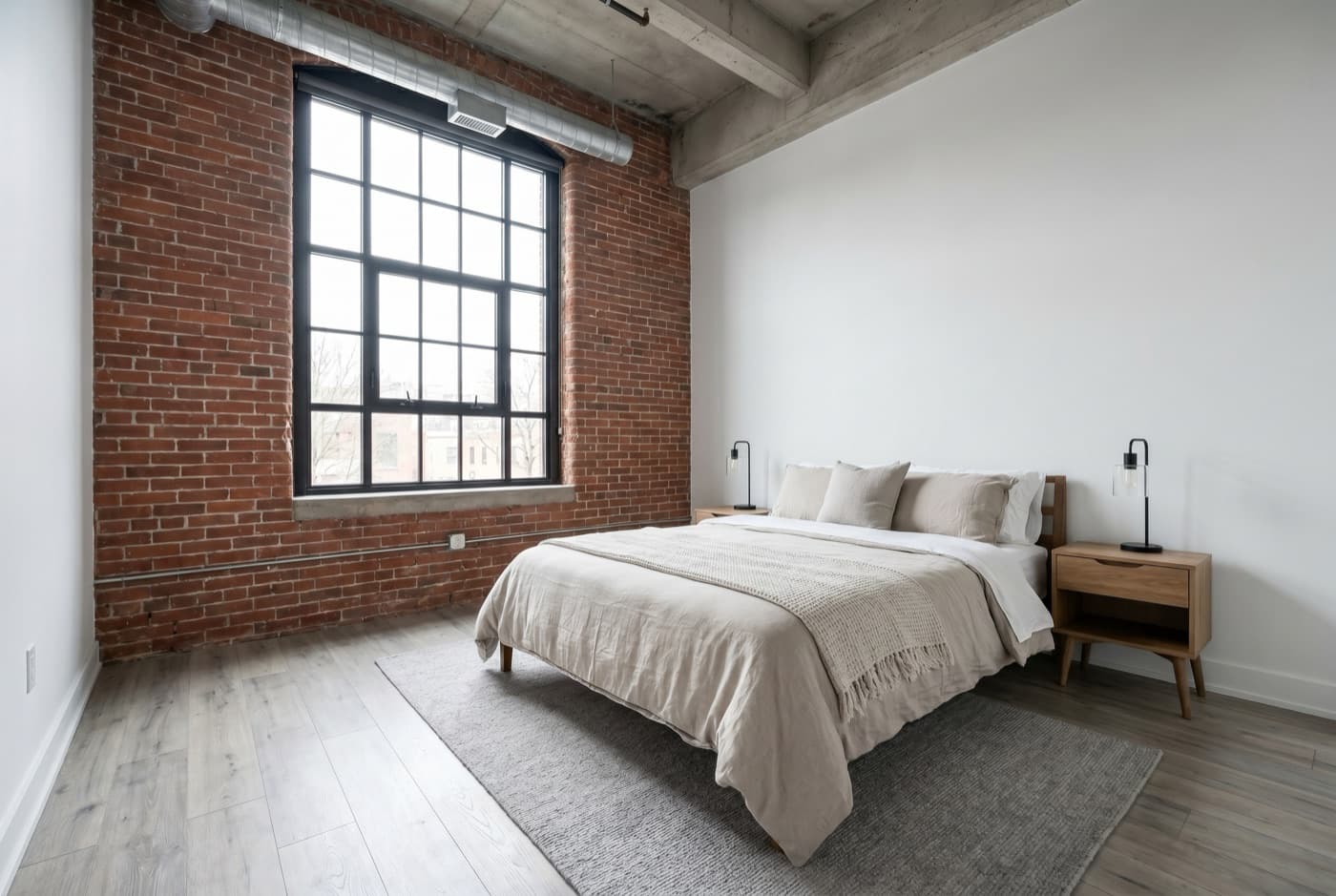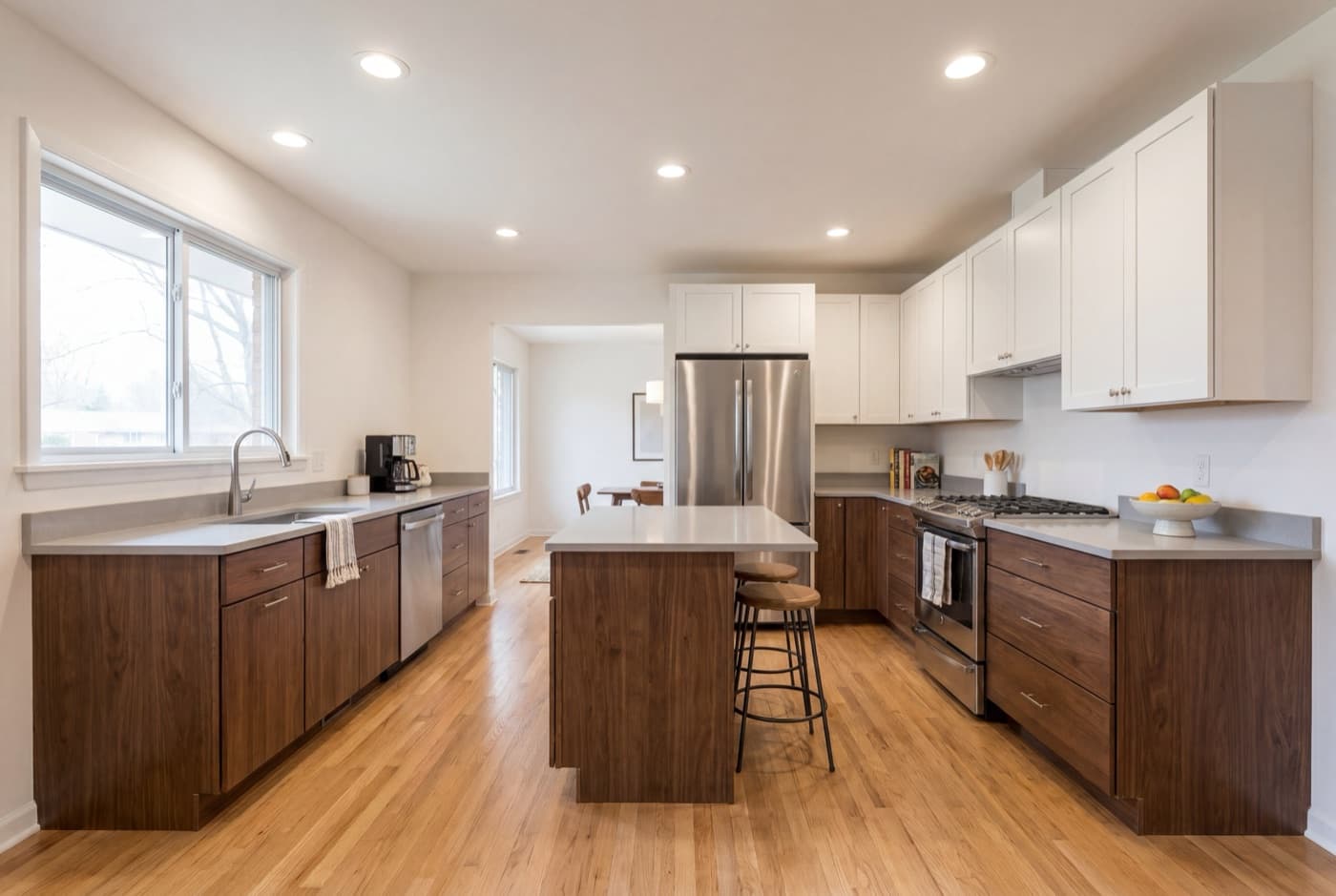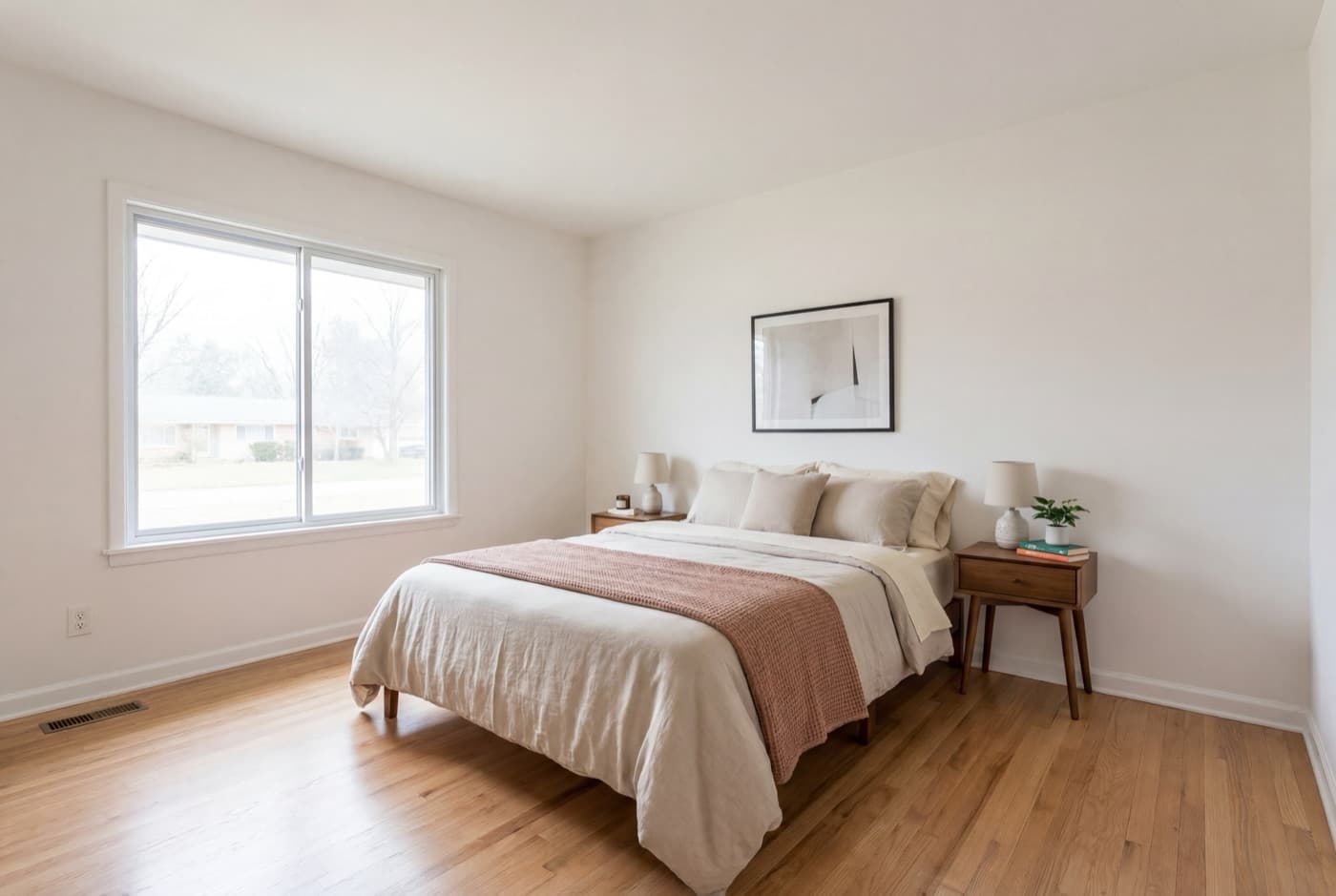
Search “AI real estate video” and you’ll land on a dozen tools that all describe themselves the same way: “upload photos, get video.” What they don’t tell you is that “AI” means two genuinely different things depending on which tool you pick — and the difference isn’t just quality. It’s whether you’re handing a buyer a real photo in motion, or a photo an algorithm redrew.
That distinction now has legal weight. As of 2026, rules in California and the EU specifically target listing visuals that have been digitally altered by AI. This guide draws the line between the two categories, explains the (genuinely interesting) technology behind each, and gives you a five-question test you can run on any tool — including ours — before you trust it with a listing.
The short version:
- Editorial AIarranges your real listing photos — camera motion, music, captions — without touching a single pixel of what the room actually looks like.
- Generative AI uses depth maps and diffusion models to invent new pixels: camera angles, room features, even structures that were never photographed.
- Only one of those needs a disclosure.Generative output falls under AB 723 (California) and the EU AI Act’s Article 50(4); editorial output generally doesn’t, because nothing about the property was changed.
- Neither is inherently “better.”They trade off differently on speed, cost, realism risk, and paperwork — match the tool to what you actually need.
What “AI real estate video” actually means in 2026
The category exploded fast enough that the term now covers almost anything with a machine-learning step in the pipeline. That’s a problem for anyone actually evaluating a tool, because two products can both say “AI real estate video generator” on the homepage while doing fundamentally different things to your listing photos.
At the broadest level, every one of these tools takes your existing listing photos as input and produces a finished video as output. Where they split is what happens in between— and that split is the entire subject of this guide.
The two kinds of AI real estate video
Strip away the marketing copy and every AI video tool on the market falls into one of two camps.
Editorial AI: arranges real photos, invents nothing
This is the older, less flashy approach — and it’s what powers ListingVideo. The AI’s job is entirely editorial: it looks at your photos, classifies what room or angle each one shows, decides an order and pacing, times cuts to a licensed music track, and burns in captions. Then it exports the result in whatever formats you need.
The important part: every frame of the finished video is your actual photo, just moving. Pause it anywhere and you’re looking at the room exactly as the camera saw it — no pixel has been redrawn, added, or removed. The AI decides, it doesn’t generate.
Generative AI: synthesizes new pixels from your photos
The newer, more technically ambitious approach treats your photos as a starting point rather than the finished material. The pipeline, as covered in detail by several tools building on it this year, generally runs: a depth-estimation model (technology like MiDaS or Depth Anything) turns each flat photo into a grayscale distance map, software uses that map to build a rough 3D approximation of the room, then an inpainting or diffusion model — the same family of technology behind tools like Kling, Google’s Veo, and Seedance — fills in whatever the camera didn’t capture and generates new in-between frames to simulate a camera moving through the space.
Done well, this can produce a dramatic push through a room from a single still. It can also do more aggressive things — some workflows use it to remove a structure from a photo entirely and generate a sequence around the gap, or to invent an angle that was never shot. Every one of those frames past the original photo is synthesized: pixels that didn’t come from a camera, generated by a model predicting what “probably” belongs there.
Why the difference isn’t just technical — it’s legal
Two rules taking effect in 2026 are aimed squarely at the generative category above, and both hinge on the same idea: disclosure when a listing image or video has been digitally altered.
- California AB 723, reported to take effect January 1, 2026, requires licensees to disclose when listing visuals have been digitally altered and to retain the unaltered original on file.
- The EU AI Act, Article 50(4), reported to take effect August 2, 2026, requires labeling of AI-generated or manipulated image, audio, or video content that appreciably resembles a real place — with penalties reported as high as €15 million or 3% of global annual turnover.
A generative real estate video that invents a room feature, angle, or structure a camera never captured is exactly the kind of “manipulated visual content depicting a real place” these rules target. An editorial video that only adds motion to a real photo generally isn’t — nothing about what the property looks like has been changed, so there’s nothing to disclose. This isn’t legal advice, and both rules are new enough that MLS boards are still writing their own guidance — confirm the current requirement with your broker or MLS before you publish either kind of video.
How editorial AI actually builds your video, step by step
Since “editorial” can sound vague, here’s the real pipeline, using ours as the example:
- Photo intake.You upload the listing photos you already have — three minimum, five or more recommended for a fuller tour.
- Room and shot classification.The AI reads each photo and tags what it shows — kitchen, primary bedroom, exterior — and what kind of camera motion suits it, all constrained to a fixed set of categories. It never touches the image itself.
- Pacing plan. A second pass decides the order, how long each room holds the screen, and where transitions land.
- Music and caption sync. A licensed track is selected and transitions are timed to it; captions and any agent branding are layered on top.
- Render and export.The finished video renders in landscape, portrait, and square from the same upload — no separate edit per platform.
ListingVideo: 5 photos → branded landscape sample
Notice what’s absent: no step generates a new camera angle, no step fills in a wall the photo didn’t show. That’s deliberate — we tested generative i2v approaches during development and moved away from them specifically because of the realism and disclosure issues above.
Try editorial AI on your own listing photos
Upload the photos you already have and preview the result in minutes. Landscape, portrait, and square exports are a paid feature; the free preview is a single watermarked 720p landscape cut. No credit card.
Try it free →What each kind can (and can’t) do well
Neither approach wins on every dimension — they trade off differently.
| Editorial AI | Generative AI | |
|---|---|---|
| Realism risk | None — it’s your real photo | Inpainting artifacts, “uncanny valley” |
| Disclosure required | Generally no | Likely yes, under AB 723 / EU AI Act |
| What it can show | Only what your camera actually captured | Angles and features never photographed |
| Best for | Every standard listing, at volume | Showcase clips where the added disclosure is acceptable |
The honest limitation of editorial AI: it can’t invent a pool you didn’t photograph or a room you skipped. That’s also its safety guarantee — there’s no gap for the model to fill with a guess.
The 5-question test for any “AI real estate video” tool
Run this on any tool you’re evaluating — ours included — before you put a listing through it:
- Does the finished video keep your original photo’s pixels, or does it redraw the scene?
- Can you see the unedited “before” photo next to the finished “after” clip?
- Does the vendor say plainly what the AI does — or is “AI” left deliberately vague?
- Would you need to disclose this video under AB 723 or the EU AI Act if a buyer asked how it was made?
- If a buyer stood in the actual room, would everything they see in the video match what’s really there?
If you can’t answer question one with confidence, ask the vendor directly — a tool with nothing to hide will tell you.
AI video vs hiring a videographer
Neither category of AI video replaces every use case for a hired videographer — a cinematic, drone-led shoot still has a ceiling no photo-based tool reaches. If you’re weighing that decision by listing volume and price point, we cover it fully in hiring a videographer vs DIY. The short version: for standard listings at any volume, a photo-to-video tool wins on speed and cost; reserve a videographer for the luxury listing where the cinematic ceiling is worth paying for.
The bottom line
“AI real estate video” isn’t one product category — it’s two, and they don’t behave the same way once you look past the pitch. Editorial AI turns your real photos into motion, safely and consistently, with nothing to disclose. Generative AI can produce more dramatic camera movement, at the cost of realism risk and, increasingly, a compliance obligation.
For the standard residential listings that make up most of a busy agent or photographer’s calendar, editorial AI is the lower- risk, lower-cost default. Save the generative route, if you use it at all, for the rare case where you’ve weighed the disclosure requirement and decided it’s worth it.
Frequently asked questions
It depends which kind. Editorial AI — the kind that only adds motion, music, and captions to your real photos — doesn't change what the camera actually captured, so it generally isn't the “digitally altered” or “manipulated” visual content those rules target. Generative AI that synthesizes new pixels (redrawing a room, inventing an angle you didn't shoot) is squarely what California's AB 723 and the EU AI Act's Article 50(4) are aimed at as they take effect through 2026 — requiring disclosure and, in California's case, retention of the unaltered original. This isn't legal advice; confirm the current rule with your broker or MLS before you publish.
Editorial AI can't look fake in the way people mean — it's your real photo with camera motion added, so freezing any frame shows the room exactly as shot. Generative AI, which paints in pixels a camera never captured, is where the “uncanny valley” complaints come from: even AI-video companies that build these tools admit inpainting artifacts show up most around structural edges like staircases and window frames.
For a tool like ListingVideo: free to try (2 listings a month, 720p, watermarked, landscape only), $59/mo for Standard (5 listings, clean 1080p, all 3 formats), or $129/mo for Premium (15 listings, brand kit, share links). At Standard volume that's $11.80 a listing for a full multi-format export — a fraction of a $200–500 videographer shoot.
No — that's the entire point of editorial AI. You upload the listing photos you already have; the software handles sequencing, motion, music timing, and captions. There's no timeline to learn and no footage to shoot.
With ListingVideo, the watermarked preview is ready in minutes. Full multi-format exports take longer depending on project size. Generative pipelines that synthesize new frames per photo can take longer because each clip must be created rather than given motion.
For standard residential listings, yes — it's fast, cheap, and consistent enough to run on every listing. For a luxury property where a cinematic, drone-led hero video is itself a selling point, a videographer's ceiling is still higher. We break down exactly when each route wins in our guide to hiring a videographer vs DIY.
Three photos is the floor — enough for a short video — but five or more gives editorial AI enough real material to build a fuller walkthrough. Since it can't invent a room you didn't photograph, more (good) photos in means more video out.