“Real estate video tour” is one search phrase covering at least four genuinely different products — a photo-based video, a filmed walkthrough, a 3D/360° virtual tour, and drone footage. Vendors selling one of them tend to talk about it like it’s the only real option. It isn’t. Each format does a different job, costs a different amount, and fits a different kind of listing.
This guide untangles the terminology, gives you real 2026 cost ranges for all four, and ends with a plain decision table by listing price and volume — so you can pick without reading a sales pitch disguised as a comparison.
The short version:
- Photo-based videois the cheapest and fastest — built from photos you already have, no filming required. Right for most standard listings.
- Filmed walkthrough costs more and takes longer to deliver, but raises the cinematic ceiling for marquee listings.
- 3D/360° virtual tourslet buyers explore at their own pace — worth it on larger or unusually laid-out homes, less so on a standard 3-bed.
- Drone footage only pays for itself when the lot, view, or setting is itself a selling point.
- Most agents combine two, not all four — and where each format actually gets shown (MLS vs. a separate tour link vs. social) matters as much as the format itself.
What people actually mean by “real estate video tour”
The phrase gets used loosely enough that two agents can mean completely different things by it. A video — filmed or photo-based — is a produced, linear clip: you press play and watch it start to finish, in the order the editor chose. A 3D or 360° virtual touris an interactive model: the buyer clicks to move from room to room, looks around at their own pace, and can back up or linger wherever they want. Drone footage is neither on its own — it’s aerial material that usually gets cut into one of the other two.
None of that is obvious from a Google search, which is why most guides on this topic spend half their word count just defining terms before they get to anything useful. We’re doing that part here, once, so the rest of this guide can be concise.
The 4 real estate video formats
Strip away the marketing and every listing “video” on the market is one of these four.
Photo-based video
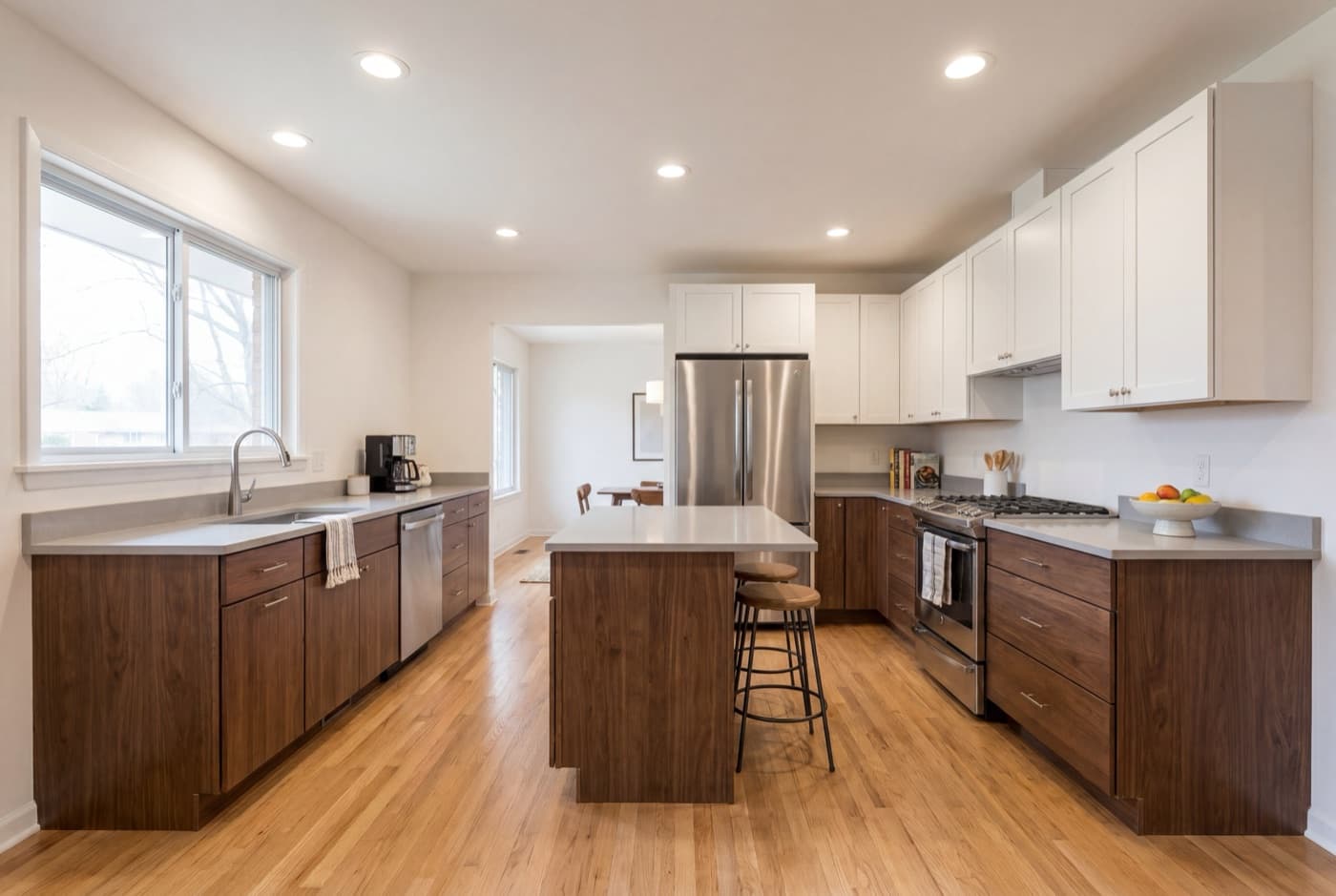
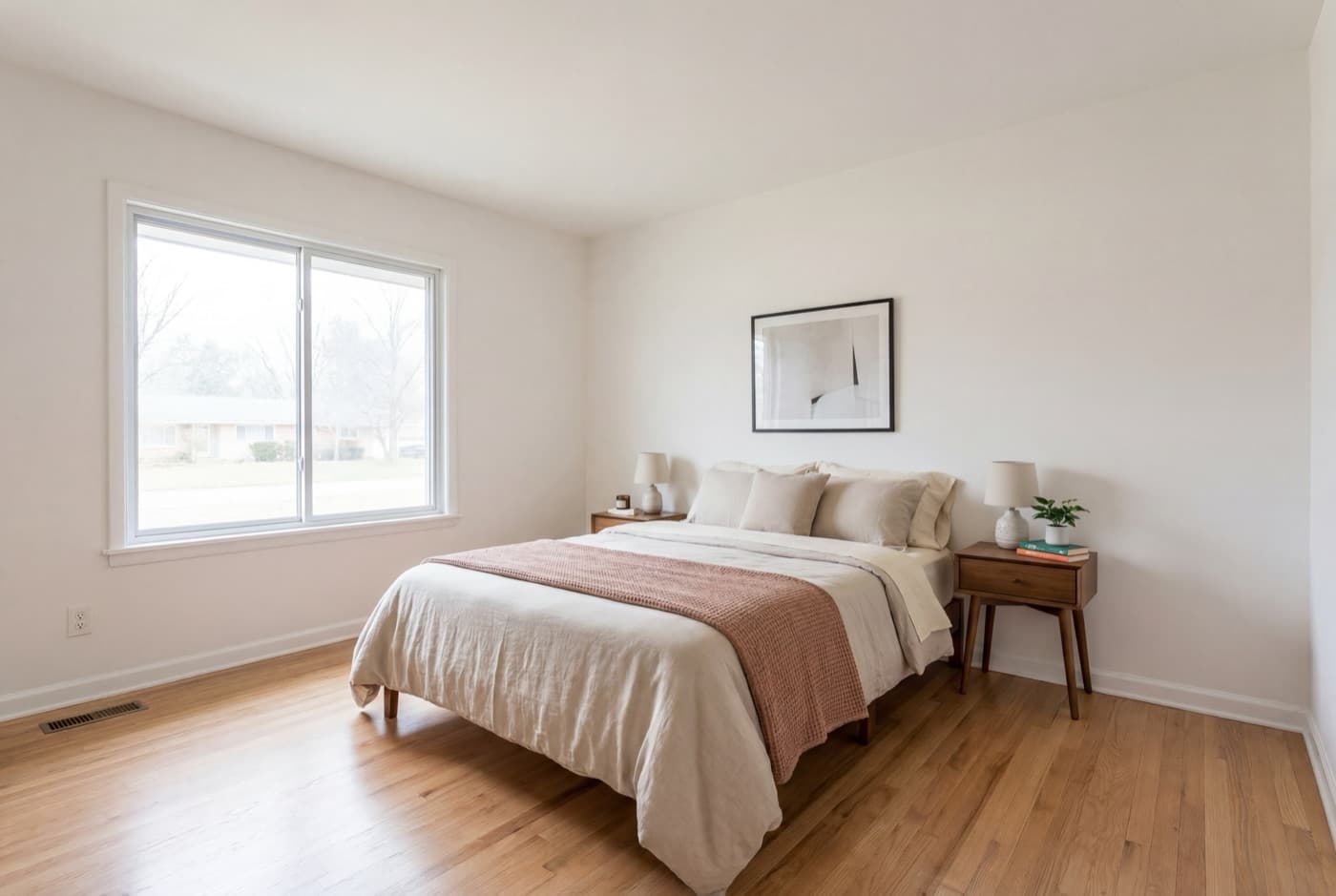
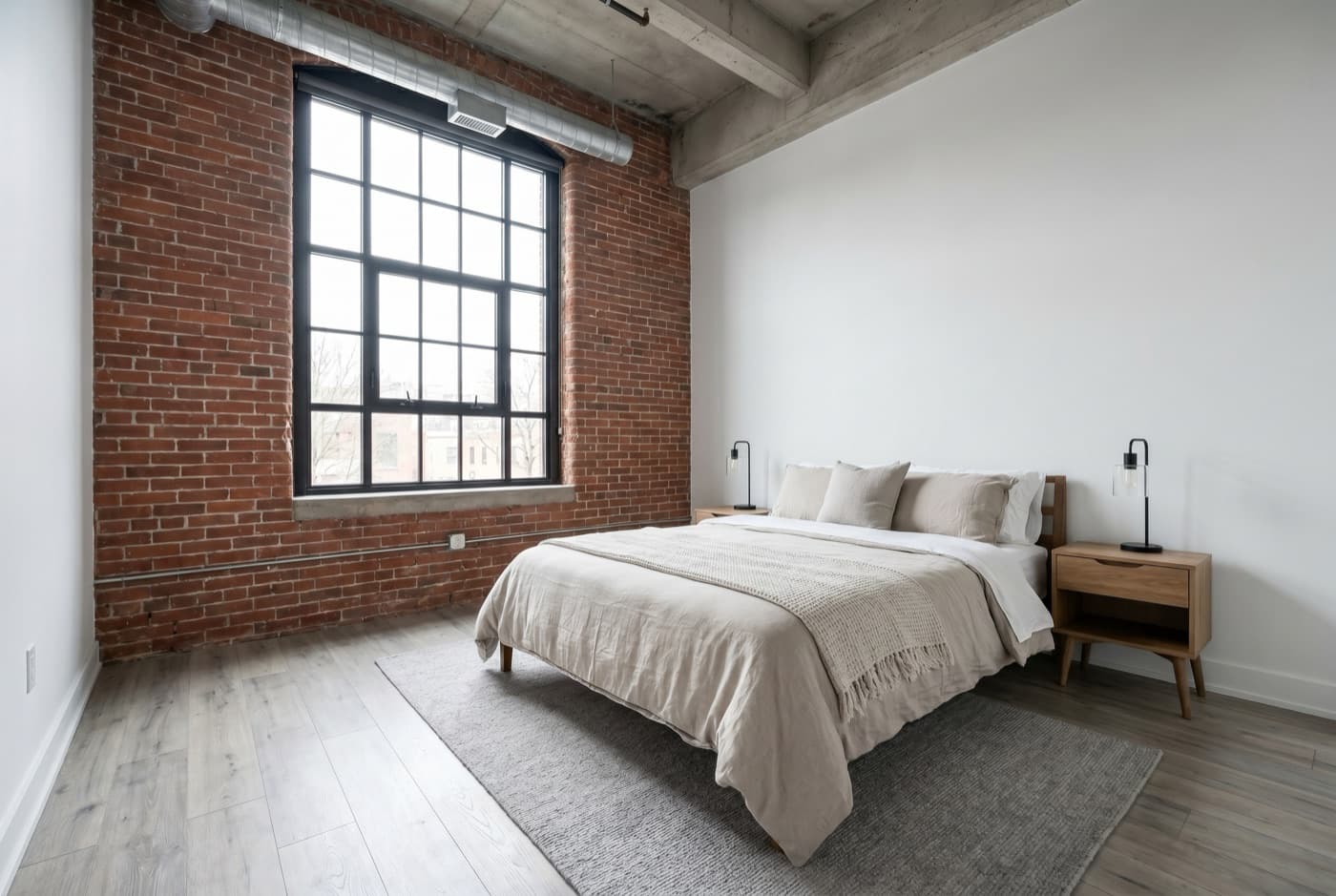
Built from the listing photos you already have — no filming. A tool sequences the photos, adds camera motion, timed music, and captions, and exports the finished video. No shoot to schedule, no gear, no editing timeline.
ListingVideo: 5 photos → branded landscape sample
This is the format most standard listings actually need: fast, cheap enough to use on every property, and it makes the photos you already paid for do double duty. The limitation is honest — it can only show what your camera actually captured. We cover the full workflow in turning listing photos into a video.
Try the cheapest format on your next listing
Upload the photos you already have and preview the result in minutes. Landscape, portrait, and square exports are a paid feature; the free preview is a single watermarked 720p landscape cut. No credit card.
Try it free →Filmed walkthrough video
A videographer physically walks the property with a camera and stabilizer, then edits the footage into a produced walkthrough — often with an agent intro, music, and a more cinematic pace than a photo-based video can achieve. It costs more and takes a few days to schedule and deliver, but the production ceiling is higher: think steadicam moves, a filmed introduction, or a genuinely cinematic edit. This is also what most agents mean by an “open house video” — a walkthrough clip made to promote the event beforehand, not footage shot live during it.
3D / 360° virtual tour
A specialized camera captures the space as a series of linked 360° panoramas, which software stitches into a navigable 3D model — the buyer clicks through it themselves, checking room proportions, sightlines, and how spaces connect. It’s the only format on this list that isn’t linear: the buyer controls the pace and path, not the editor.
Drone / aerial footage
Aerial shots of the exterior, lot, and surroundings — usually cut into a filmed walkthrough or a photo-based video rather than distributed on its own. It requires a Part 107 Remote Pilot Certificate to fly commercially (even over your own listing), which is why most agents hire a certified operator rather than buy a drone. We cover that requirement in detail in hiring a videographer vs DIY.
What each format actually costs in 2026
Real ranges, not a single vendor’s price list. Your market, the property size, and whether you hire out or DIY move these.
| Format | Typical cost | Notes |
|---|---|---|
| Photo-based video | $5.67–$11.80/listing | Standard/Premium plan (5–15 listings/mo). The free tier is a watermarked 720p preview, not a deliverable |
| Filmed walkthrough | $200–$500 | Cinematic/luxury production: $800–$2,500+ |
| 3D/360° virtual tour | $180–$500 | Or $33–$69/mo to self-host on software |
| Drone footage (add-on) | $150–$500 | Requires a Part 107-certified pilot |
That $5.67–$11.80 covers one listing’s photos rendered into three clean video files — landscape, vertical, and square. Add agent or brand details and the same paid render also makes matching branded copies, for up to six videos total, plus a cover image and a social captions pack. The filmed-walkthrough and 3D-tour prices above buy you one file; the photo-based price buys the full set available for the details you provide.
Software-based 3D tour platforms (CloudPano, RICOH360, Matterport and similar) run roughly $33–$69 a month if you shoot it yourself with a 360 camera; hiring a professional to shoot and deliver a 3D tour runs $180–$500 depending on the property. Either way, a 3D tour costs meaningfully more per listing than a photo-based video — the question is whether that extra cost buys something your listing needs. See our own plans for exactly what the photo-based tier costs at your listing volume.
Where each format actually goes — MLS, Zillow, social
This is the part every other guide skips, and it changes the decision as much as cost does. Most MLS systems have two separate fields: a video field (usually a YouTube or Vimeo link) and a distinct “Virtual Tour URL”field for 3D tours. A 3D tour link dropped in the wrong field, or one your board doesn’t syndicate the same way, may not show up where you expect on Zillow or Realtor.com. A photo-based or filmed video — being a standard video file or link — goes cleanly into the video field and syndicates like any other listing video.
For social media, the video formats (photo-based or filmed) work natively as Reels, TikToks, and Shorts once cropped to vertical. A 3D tour doesn’t — it’s an interactive embed, not a clip, so it lives on its own link or your website rather than in a social feed. We cover the branded/unbranded side of MLS video specifically in branded vs unbranded video. Check your specific board’s field rules before you submit either format — they vary.
Which format fits your listing
Skip the “it depends” non-answer. Here’s a straight recommendation by the two variables that actually decide it — price tier and how many listings you do:
| Your situation | The move |
|---|---|
| Standard residential, any volume | Photo-based video— fast, cheap enough for every listing |
| Large or unusually laid-out home | Add a 3D tour so buyers can check proportions and flow themselves |
| Acreage, waterfront, or a view lot | Add drone footage— the setting is the selling point |
| Luxury / $1M+, marquee listing | Filmed walkthrough for the hero video; photo-based for everything else |
Notice these aren’t mutually exclusive — most agents running a busy calendar default to photo-based video for every listing, then layer in a 3D tour or drone only where the property specifically calls for it.
Can you combine formats from one shoot?
Yes, and most professionals do. A typical package pairs your listing photos (turned into a photo-based video) with drone stills for an acreage or view lot, or adds a 3D tour on top for a larger home — all from the same visit, not three separate shoots. If you’re deciding whether to hire that out or handle pieces of it yourself, we cover the full hire vs. DIY tradeoff in hiring a videographer vs DIY.
The bottom line
“Real estate video tour” isn’t one product — it’s four, and the right one depends on your listing, not on whichever vendor you talked to last. For the standard residential listings that fill most calendars, a photo-based video is the default: cheapest, fastest, and clean enough for the MLS video field and every social platform.
Layer in a 3D tour when the home’s size or layout genuinely benefits from self-guided exploration, drone footage when the lot or view is the selling point, and a filmed walkthrough when a listing is the marquee property that justifies the cost. Most listings need exactly one of the four — start there.
Skipping a 3D tour or drone footage on a standard listing isn’t falling behind — it’s matching the format to the property. The agents spending on a 3D scan for a starter home aren’t beating you to a sale; they’re paying for something most buyers there won’t use.
Frequently asked questions
A video walkthrough — filmed or photo-based — is a produced, linear video you watch start to finish. A 3D or 360° virtual tour is an interactive model: the buyer clicks to move room to room, at their own pace, looking around freely instead of following a fixed sequence. Both can come from the same listing; they just ask something different of the viewer.
For a standard residential listing, a video — photo-based or filmed — covers what most buyers actually want. A 3D tour earns its extra cost on larger, higher-end, or unusually laid-out homes, where buyers benefit from checking room proportions and flow themselves before booking an in-person showing.
It depends entirely on the format. A photo-based video runs $5.67–$11.80 a listing on a Standard or Premium plan (5–15 listings a month; the cheaper end is the annual billing rate). A filmed walkthrough runs $200–$500 (cinematic or luxury production $800–$2,500+). A professionally shot 3D tour runs about $180–$500, or $33–$69/month if you host your own on software like CloudPano or Matterport. Drone footage adds $150–$500 on top of any of these.
Usually yes, but check your board — many MLS systems have a separate “Virtual Tour URL” field distinct from the video field, so a 3D tour link often doesn't count as your listing's “video” for syndication purposes. If you want video specifically on Zillow, Realtor.com, and the rest, that typically has to go through the video field, not the tour field.
No. Drone footage earns its cost on acreage, waterfront, or a view — anywhere the lot or setting is itself a selling point. On a standard suburban lot with nothing new to see from above, it's an added expense without an added benefit. It also requires the pilot to hold an FAA Part 107 Remote Pilot Certificate to fly commercially, even over your own listing.
Yes — if you already have listing photos, a photo-to-video tool turns them into a finished walkthrough with no filming and no editing skills. We cover the full workflow in our guide to turning listing photos into a video.
A photo-based video built from the listing photos you already have. On a Standard or Premium plan it runs $5.67–$11.80 per listing — cheaper than any filmed walkthrough, 3D tour, or drone add-on, because there's no shoot to schedule and no new equipment to buy. You can try it free first, but the free tier is a watermarked 720p preview, not a deliverable.