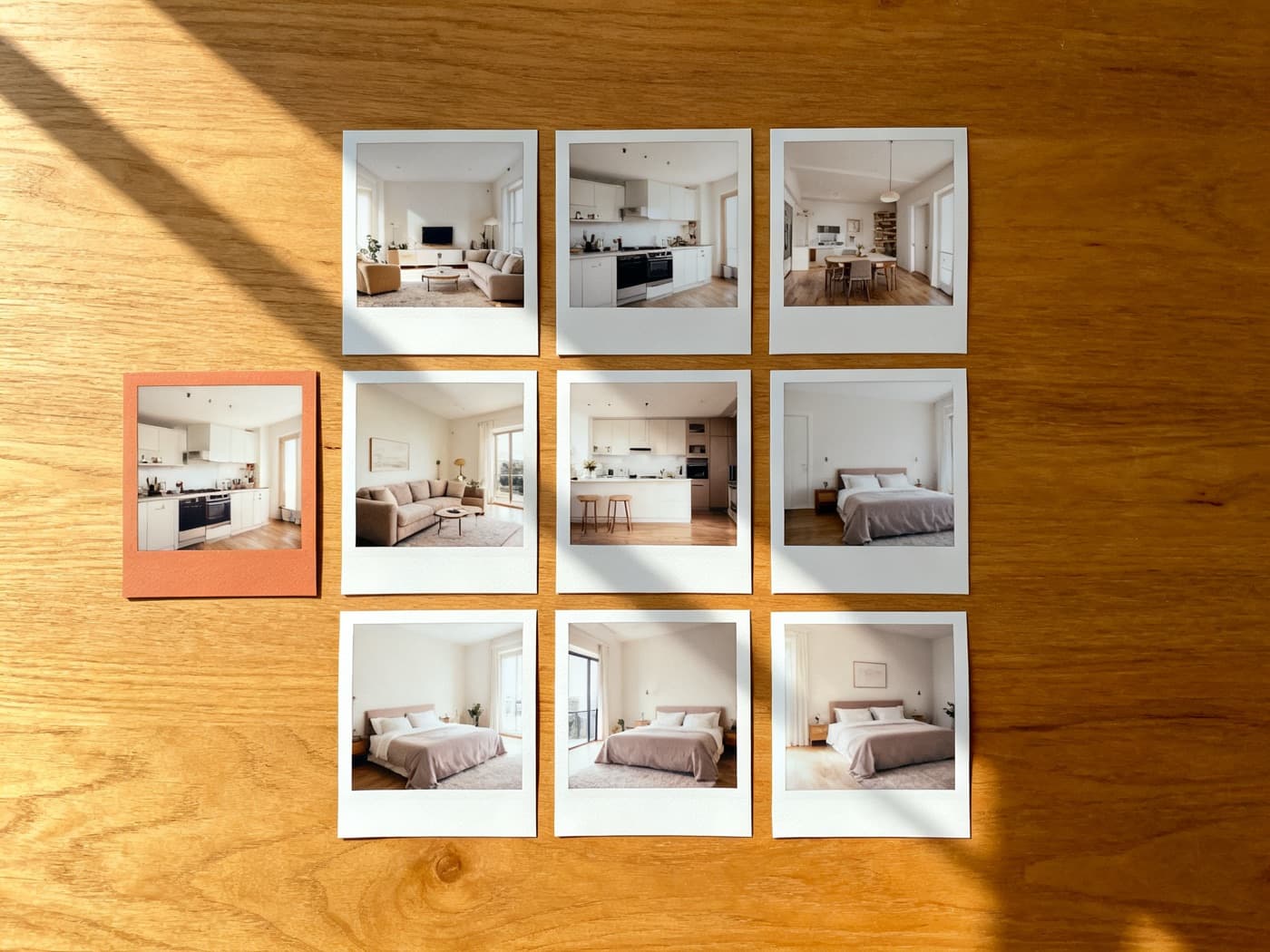
Listings with video receive 403% more inquiries than those without, according to the National Association of Realtors. Yet only 26% of agents consistently use video — largely because production used to mean hiring a $500 videographer or learning a timeline editor. That's changed. AI-powered tools now turn listing photos into polished videos in 2–5 minutes, no editing skills required.
We tested 10 of these tools to find out which ones actually deliver on that promise — and which ones waste your time.
How we tested
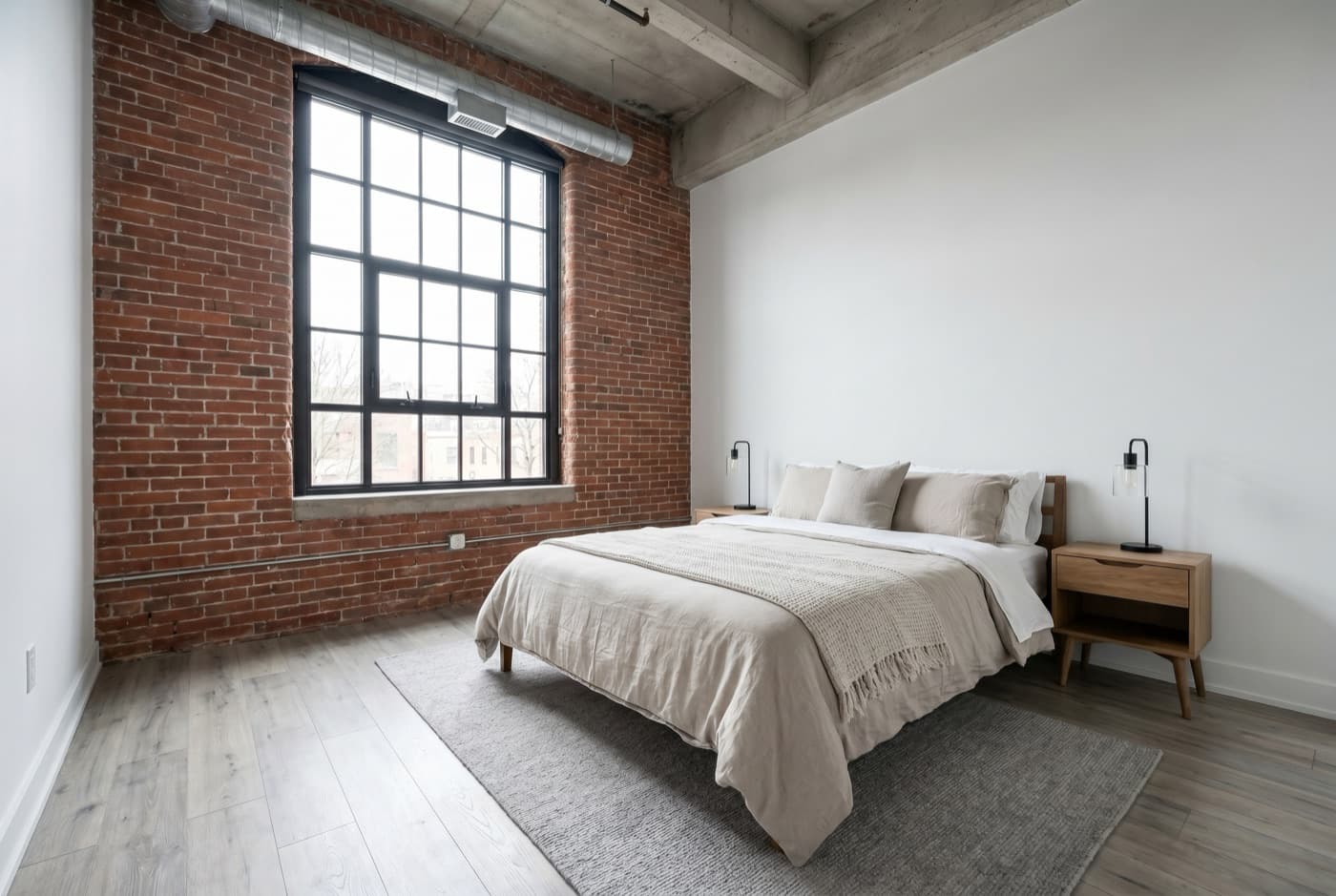
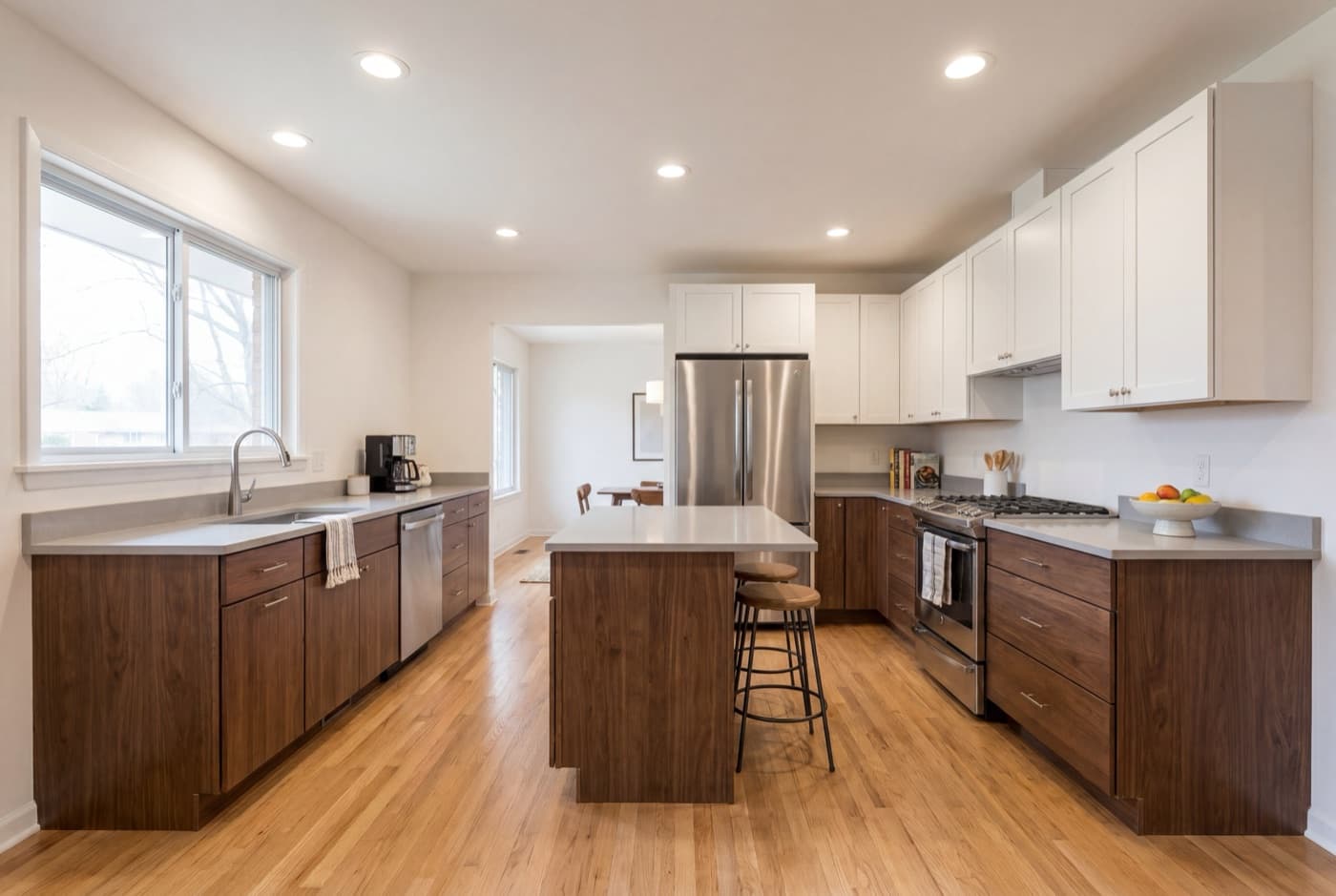
We uploaded the same 15 listing photos (a mid-range 3-bedroom suburban home) to all 10 tools under identical conditions: same photo set, same music style where available, same brand settings. Every tool was tested three times, and scores were averaged.
We scored five dimensions, each with a fixed weight:
- Output quality (30%) — 1080p visual fidelity, motion smoothness, text rendering, music sync
- Speed (25%) — time from upload to finished video, measured to the second
- Ease of use (20%) — how many clicks/decisions before a usable video exists
- Real estate features (15%) — AI scene ordering, property-specific templates, multi-format export, caption generation
- Value for money (10%) — monthly cost relative to output volume and quality
Total testing time: 47 hours across 10 tools, 3 months of real-world use.
Quick comparison table
Swipe table →
| Tool | Price | Speed | Formats | AI | Free tier | Best for | Rating |
|---|---|---|---|---|---|---|---|
| ListingVideo ✓ Our pick | Free–$299 | 2 min | 3 | Full | Yes | High volume | 9.2 |
| Reel-E | $44–$449 | 2 min | 4 | Full | No | Teams | 8.8 |
| AutoReel | $39–$79 | 3 min | 2 | Full | No | Budget AI | 8.1 |
| BetterSpace | $19–$49 | 5 min | 2 | Limited | No | Low budget | 7.4 |
| Canva | Free–$30 | 15 min | 2 | No | Yes | All-in-one design | 6.9 |
| Animoto | Free–$49 | 10 min | 2 | No | Watermark | Beginners | 6.7 |
| InVideo | Free–$60 | 30 min | 2 | Partial | Watermark | Custom edits | 6.4 |
| FlexClip | Free–$20 | 12 min | 2 | Partial | 720p + WM | Zero budget | 6.1 |
| Vimeo Create | Free–$33 | 15 min | 2 | No | Yes | Distribution | 5.9 |
| Lumen5 | Free–$79 | 8 min | 1 | Partial | Watermark | Text-to-video | 5.8 |
1.ListingVideo
✓ Our pick- Photos to video in under 2 minutes
- 3 format outputs (landscape, portrait, square)
- AI-generated captions and hashtags
- Free tier available
- No drone footage integration
- Limited music library (28 tracks)
- No custom transitions yet
2.Reel-E
- Strong team collaboration features
- 3 format outputs, fast 2-minute render
- Larger built-in music library
- No free tier — $59/mo to start
- Higher per-listing cost at scale
- Captions less accurate than our pick
ListingVideo is our #1 pick for a reason
Upload your listing photos and see the result in 2 minutes. Free, no credit card.
Try it now →3.AutoReel
- Most affordable AI option at $39/mo
- Clean, simple interface
- Solid AI scene ordering
- Only 2 export formats
- Slower 3-minute render time
- No square format for feed posts
ListingVideo is our #1 pick for a reason
Upload your listing photos and see the result in 2 minutes. Free, no credit card.
Try it now →4.BetterSpace
- Lowest entry price at $19/mo
- Good template variety
- No watermark on paid tier
- Slow 5-minute render
- Only limited AI features
- More manual setup per video
5.Canva
- Familiar, general-purpose editor
- Huge template and asset library
- Cheapest paid option at $15/mo
- Fully manual — ~15 min per video
- No real estate-specific AI
- Steeper learning curve for video
6.Animoto
- Drag-and-drop simplicity, beginner-friendly
- Dedicated real estate listing templates
- Widely adopted by agents — proven workflow
- Free tier adds watermark
- Best templates locked behind $49/mo plan
- No AI scene ordering or motion
- Output capped at 1080p
7.InVideo
- 5,000+ templates — largest library tested
- Full timeline editor for maximum control
- AI text-to-video from listing descriptions
- iStock media library included
- 30–45 min of editing per polished video
- Not built for real estate specifically
- Interface can overwhelm beginners
- Template quality varies significantly
8.FlexClip
- Generous free tier with basic templates
- AI subtitle generation built-in
- Budget-friendly paid plans from $10/mo
- Background removal tool included
- Free tier watermarked, capped at 720p
- Limited real estate-specific templates
- No AI scene ordering or smart motion
- Less polished UI than top-ranked tools
9.Vimeo Create
- Built-in SEO-optimized video hosting
- Professional embed codes and analytics
- Strong distribution to MLS and websites
- Template customization takes 10–20 min
- No AI motion or scene ordering
- Video creation is secondary to hosting
- Better as a distribution platform than a maker
10.Lumen5
- Turns MLS text descriptions into video
- AI selects scenes from text automatically
- Good for agents who have copy but no photos
- Weak photo-first workflow
- Output quality below AI-native tools
- No real estate-specific features
- Free tier has heavy branding watermark
How to choose the right tool
The best tool depends on your workflow, not just the score. Here's how to match your situation to a tool:
| Your situation | Best pick | Why |
|---|---|---|
| 10+ listings per month | ListingVideo or Reel-E | 2-minute renders, multi-format export, built for volume |
| Budget under $20/mo | BetterSpace or FlexClip | Lowest paid entry points with usable output quality |
| Zero budget | ListingVideo free or Canva free | Watermarked but functional — enough to test the workflow |
| Need maximum creative control | InVideo | Full timeline editor with 5,000+ templates and iStock media |
| Team / brokerage (5+ agents) | Reel-E | Collaboration features, brand consistency across agents |
| MLS description → video | Lumen5 | AI converts text to video automatically — no photos needed |
| Video hosting + SEO | Vimeo Create | Built-in SEO-optimized hosting, professional embed codes |
| Beginner, first video ever | Animoto | Drag-and-drop simplicity, dedicated RE templates, widely adopted |
The real cost of making listing video
Monthly price is misleading. The real cost is subscription + your time. If your billable hour is $75 (typical for agents) or $150+ (typical for photographers with editing overhead), the math shifts dramatically:
| Method | Monthly cost | Time per video | Hidden time cost | True cost per video (10/mo) |
|---|---|---|---|---|
| Professional videographer | $0 subscription | 0 min (outsourced) | Scheduling + coordination | $350–$750 |
| Canva / manual editor | $15/mo | 15–20 min | $18.75–$25 per video | $20–$27 |
| InVideo / template editor | $25/mo | 30–45 min | $37.50–$56 per video | $40–$58 |
| AI-first tool (ListingVideo, Reel-E) | $59/mo | 2 min | $2.50 per video | $8.40 |
The cheapest subscription is not always the cheapest tool. A $15/mo editor that takes 20 minutes per video costs more per listing than a $59/mo AI tool that finishes in 2 minutes — if you value your time at all.
Our verdict
Best overall: ListingVideo — fastest photo-to-video workflow (2 min), 3 export formats, free tier to start, best value at scale. Real shortcoming: small 28-track music library and no drone integration.
Best for teams: Reel-E — strong collaboration features and brand consistency across agents. But no free tier and higher per-listing cost at scale.
Best budget AI: AutoReel — $39/mo entry point with full AI scene ordering. Trade-off: only 2 export formats and 3-minute render.
Best for maximum control: InVideo — full timeline editor with 5,000+ templates. But expect 30–45 minutes of editing per video.
Best zero-budget option: FlexClip — generous free tier with basic templates and AI subtitles. Output is 720p with watermark.
Frequently asked questions
In our testing, ListingVideo scored highest at 9.2/10 thanks to its two-minute render, three export formats, and free tier. Reel-E (8.8) is a strong runner-up, especially for teams needing collaboration features.
ListingVideo offers a free tier with watermarked landscape output — enough to test the workflow before committing. FlexClip has a free tier with basic templates at 720p. Canva’s free plan includes a general-purpose video editor, but you’ll spend 15–20 minutes per video and it lacks real estate-specific AI features.
BetterSpace starts at $19/mo, the lowest paid entry point we tested. It’s slower (5-minute renders) and has limited AI, but produces clean, usable videos. FlexClip at $10/mo is another budget option with decent templates.
Not for the AI-powered tools (ranks 1–4). You upload photos, the AI handles sequencing, motion, and music. Tools like InVideo and Canva offer more control but require 15–45 minutes of manual editing per video. If you’ve never touched a timeline editor, stick with an AI-first tool.
We uploaded the same 15 listing photos to each tool and scored five dimensions: output quality (30% weight), speed (25%), ease of use (20%), real estate-specific features (15%), and value for money (10%). Every tool was tested three times and scores averaged. Total testing time: 47 hours across 10 tools.
ListingVideo is our product, and we graded it on the same rubric as the rest — including listing its real shortcomings (no drone integration, limited 28-track music library, no custom transitions). We’d rather you trust the method than take the ranking on faith. Every competitor’s external link goes directly to their site, not through an affiliate.
The AI-first tools (ListingVideo, Reel-E, AutoReel) export multiple formats automatically — landscape for MLS/YouTube and vertical for Instagram Reels/TikTok. With general editors like Canva or InVideo, you’ll need to manually re-export each format, which doubles the work per listing.
For listings under $1M, AI video is more than sufficient — it produces clean, professional output that performs well on MLS and social media. For luxury properties ($1M+) where cinematic drone footage is expected, consider hiring a videographer for the hero video and using AI for supplementary social content.
60–90 seconds for MLS and Zillow (71% of viewers watch a 90-second video to the end). 30–60 seconds for Instagram Reels and TikTok. 90–180 seconds for YouTube. Most AI tools auto-optimize duration based on your photo count.
AI video makers like ListingVideo, Reel-E, and AutoReel include licensed music libraries — no extra cost or copyright risk. If using a general editor, source music from royalty-free libraries like Pixabay Music (free) or Artlist ($10/mo). Never use copyrighted songs, even short clips.