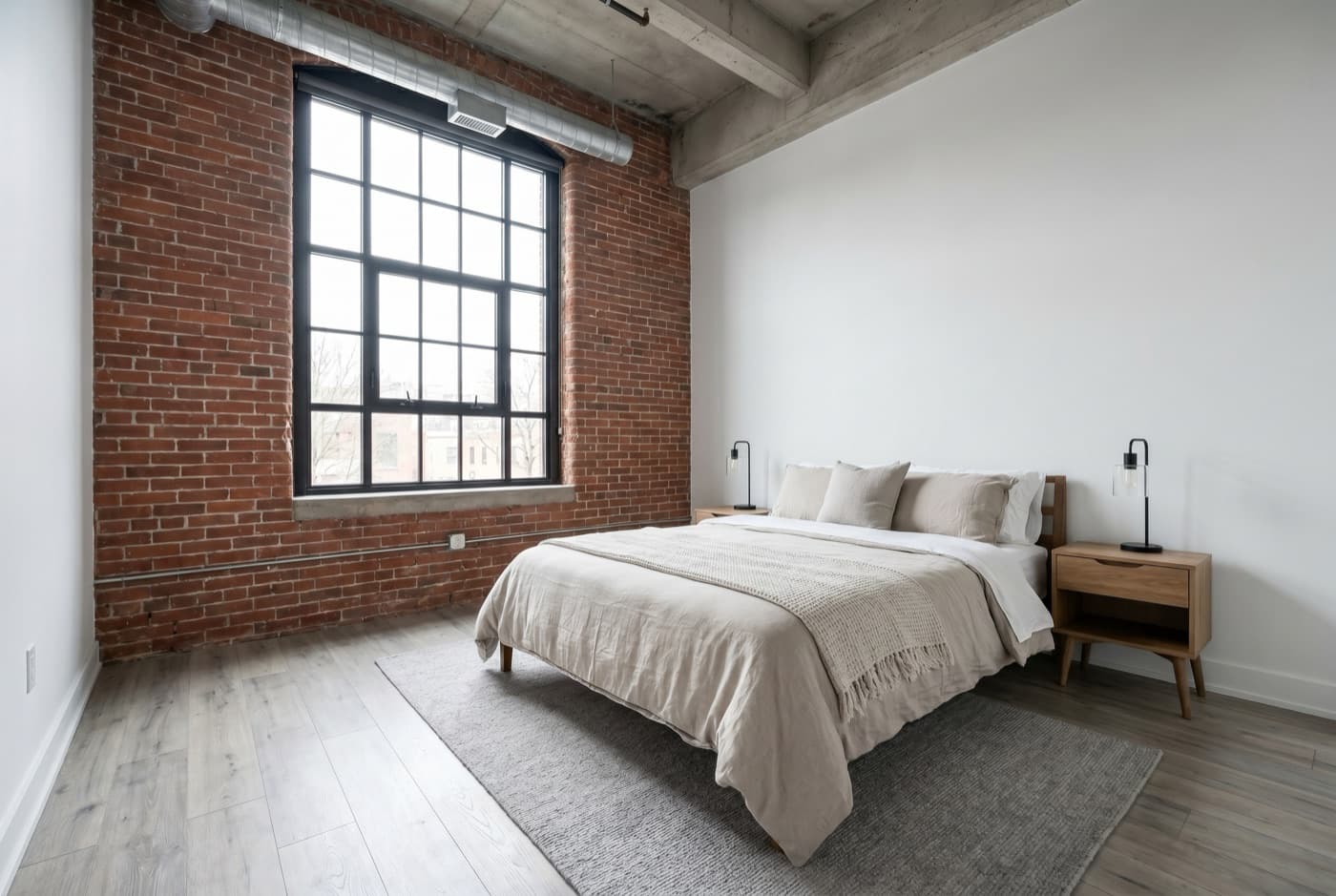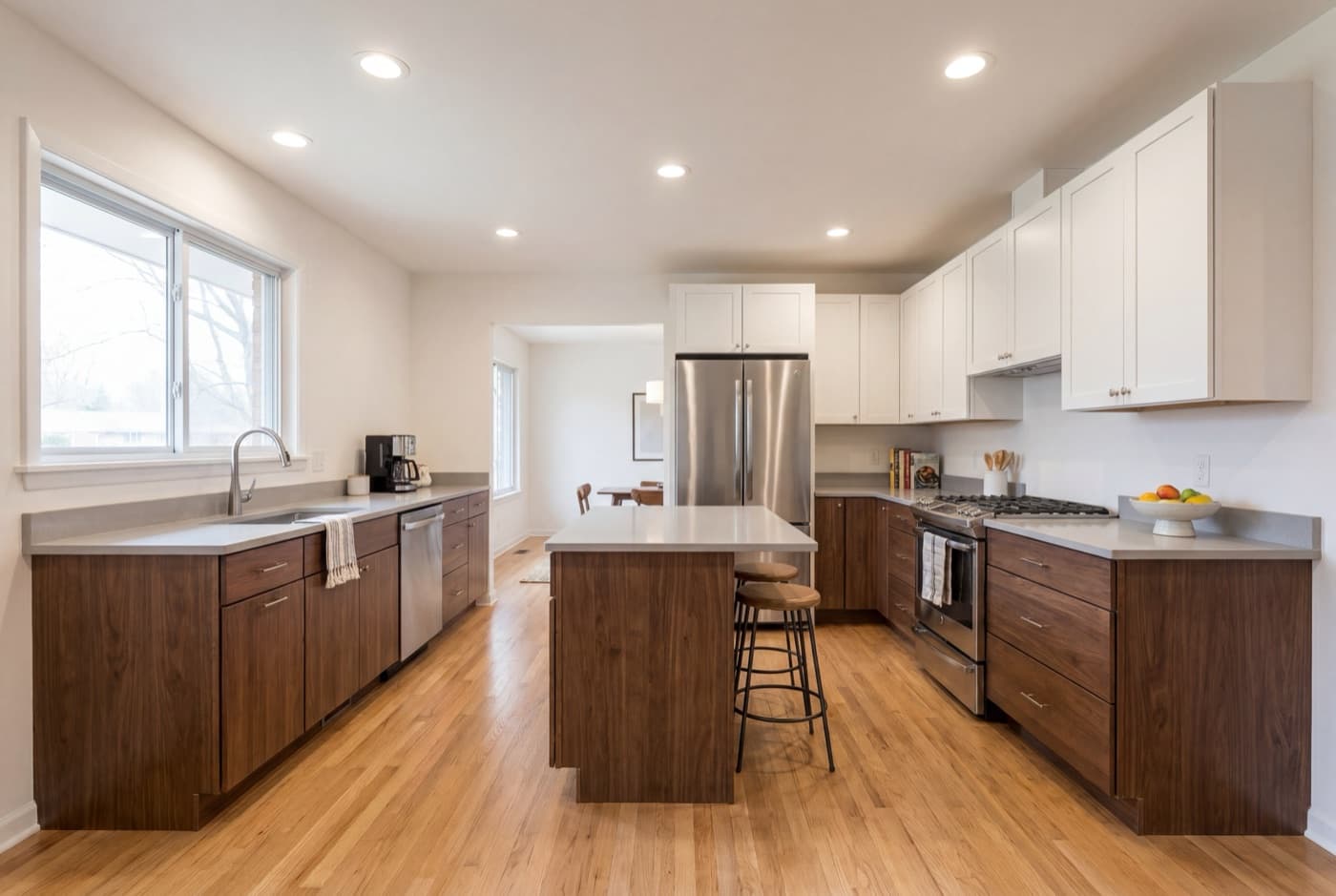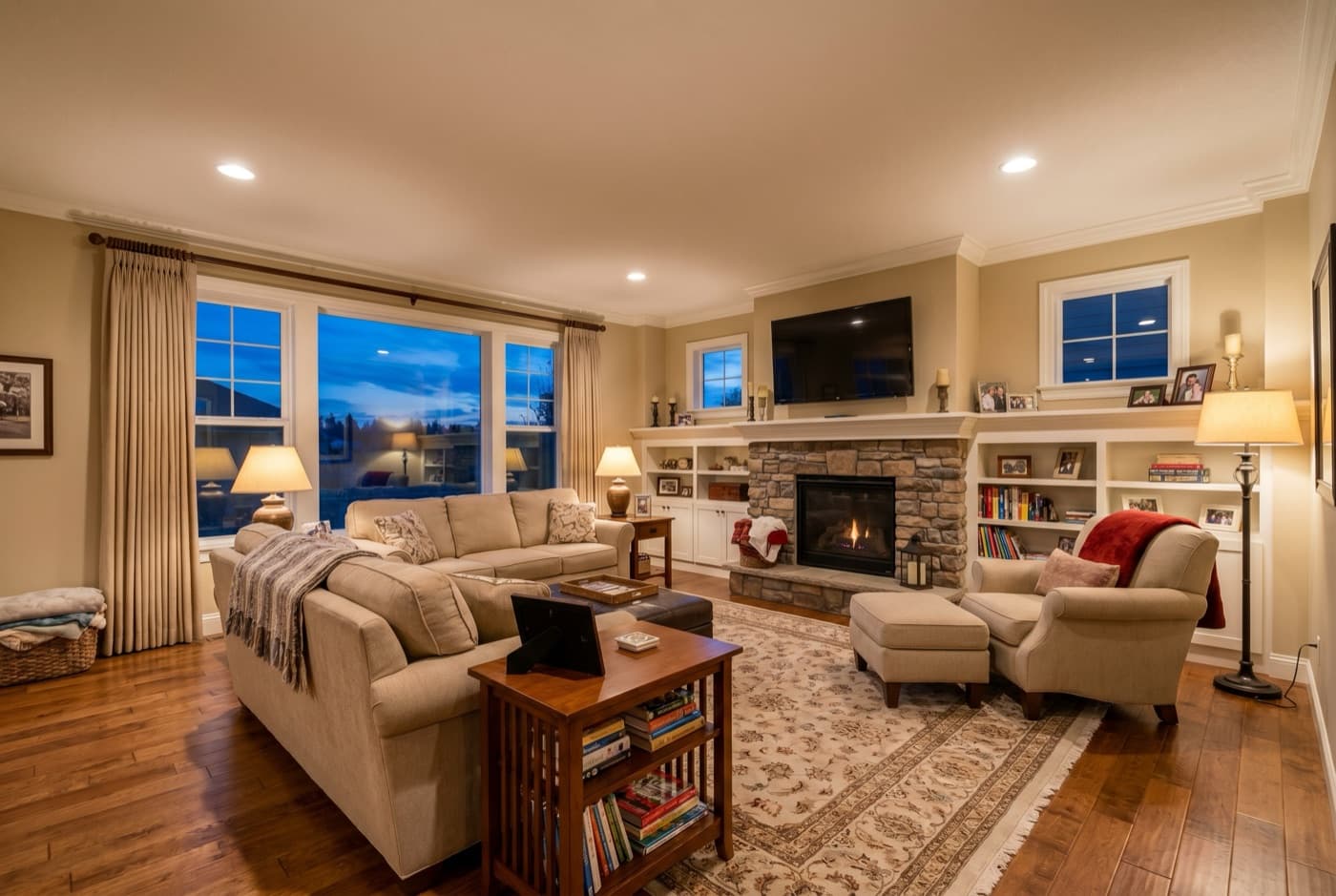
Does Video Marketing Actually Work for Real Estate?
The short answer is yes — and the adoption data proves it. According to NAR’s 2025 Technology Survey, 52% of agents now use drone photography and video as part of their marketing toolkit, and 75% use social mediaas a business channel — meaning a ready distribution network already exists the moment a video is produced.
If you’re still deciding whether video is worth the effort at all, our data piece on whether listing videos actually sell homes faster works through the honest numbers — which stats hold up, which are made up, and what the ROI really looks like.
But adoption and strategy are different things. Most agents who “use video” do it occasionally — a drone shot for a luxury property, a single Reel for an open house. The agents generating consistent leads from video do it systematically: every listing, every channel, every week. That gap between occasional and consistent is where the competitive moat lives. You don’t need to outproduce the best video marketer in your market — you just need to show up with video when most of your competition doesn’t.
The barrier has always been time, not intent. Producing a polished listing video used to cost 45–90 minutes of DIY editing or $350–$750 at a videographer. AI video tools now turn the same listing photos into a preview in minutes; full multi-format exports take longer depending on project size. That removes most hands-on editing work. What remains is strategy. This guide covers the 13 strategies that actually move the needle.
What Type of Video Works Best (and What to Skip)
Not all real estate video formats deliver equal ROI. If you have limited time — and every agent does — start with the formats that convert, not the ones that look impressive on a reel.
Do first (month one):
- Listing walkthrough video (60–90 seconds). This is the single highest-ROI format. It’s what buyers want most on Zillow and MLS (Zillow, 2025), it showcases your actual inventory, and it takes the least time to produce with an AI tool. One video per listing, uploaded the same day photos are ready.
- Neighborhood Reel (30–60 seconds).A quick walk through a local coffee shop, park, or main street. These perform well on Instagram because they’re geo-tagged, relatable, and not a hard sell. They position you as the local expert.
Add in month two:
- Market update (30–60 seconds). Quick talking-head or text-overlay video covering monthly stats for your area. Builds authority and gives you an excuse to post on weeks without a new listing.
- Just-sold celebration (15–30 seconds).A short clip showing the sold property with a “SOLD” overlay. Social proof that you close deals. Easy to produce from the same listing photos.
Skip for now:
- Drone footage.Expensive ($150–$300 per property), requires FAA Part 107 licensing, and only matters for luxury or acreage properties. Not worth the investment for standard residential listings.
- Long testimonial videos. Two-minute client testimonials feel authentic to the agent but rarely get watched past 20 seconds. If you want social proof, use a 10-second clip with a text overlay of the key quote.
Add in month three (seller lead generation):
- Agent intro video (60–90 seconds).A simple “why I specialize in [neighborhood]” talking-head video filmed on your phone. Sellers watch these before listing appointments — they’re evaluating you before you walk in the door. One authentic intro consistently outperforms months of “Just Listed” posts for seller lead generation.
- Text-overlay testimonial clip (10–15 seconds). Take one sentence from a client review, display it as bold text over a photo of the closed property, add a “SOLD” overlay. These perform well as Stories and in between listings in your feed — zero production time, pure social proof.
Turn listing photos into a video without editing
Upload your photos, AI handles sequencing, motion, and music. No editing skills needed. The free preview is watermarked 720p landscape; paid exports are clean 1080p in all three formats.
Try free →The 13 Tips
Each tip below is actionable on its own. Together, they form a complete video marketing system — from production through distribution through measurement.
1. Start With the Listing Walkthrough
If you only make one type of video, make it the listing walkthrough. It’s the format buyers search for, the format MLS boards accept, and the format that directly drives showing requests. A 60–90 second walkthrough that follows the natural path a buyer would take at an open house — exterior, living room, kitchen, bedrooms, backyard — outperforms every other real estate video format on inquiry conversion.
The key is to treat the walkthrough as a tour, not a slideshow. Each room should flow into the next with purposeful transitions. Lead with the hero room — usually the kitchen or living area — not a logo card. For a detailed breakdown of how to structure your walkthrough, see our complete guide to making a listing video.
2. Upload to MLS First, Social Second
Most agents post listing videos to Instagram first and MLS second (if at all). That’s backwards. MLS is where serious, pre-qualified buyers are actively searching. Listings with video on Hemnet (Scandinavia’s largest property portal) receive 52% more views than photo-only listings. On Realtor.com, video-enhanced listings see 157% more organic traffic.
Most MLS boards require an unbrandedversion — no agent name, brokerage logo, or contact information in the video itself. Export a clean landscape (16:9) version specifically for MLS, then use your branded version for social media. Tools that export both formats from a single upload save significant time here — our branded vs unbranded MLS guide maps exactly which version each channel needs.
3. Post Listing Reels Within 24 Hours
Timing matters more than polish. A listing Reel posted the same day photos are ready gets seen by the widest audience — before other agents in your market post competing listings and before the algorithm buries older content. Video Reels generate 67% more engagement than static image posts on Instagram (HubSpot, 2025).
For maximum reach, follow these format specs: vertical 9:16 aspect ratio, 30–60 seconds long, 8–12 targeted hashtags (mix of city-specific like #AustinRealEstate and general like #ListingVideo), and post between 11am–1pm or 7–9pm local time when engagement peaks. Tag the neighborhood and city in the location field — geo-tagged Reels surface in local Explore feeds. For the full room-by-room workflow, hooks, and audio rules, see our complete guide to Instagram Reels for realtors.
4. Repurpose One Video Into Five Posts
The biggest mistake agents make with video marketing is treating each platform as a separate production. Instead, produce one listing video and distribute it five ways:
- MLS / Zillow— landscape (16:9), unbranded, 60–90 seconds
- Instagram Reel— vertical (9:16), branded, 30–60 seconds with hashtags
- TikTok— same vertical cut, different caption style and trending sounds
- YouTube Short— vertical (9:16), branded, with address in the title
- Email newsletter— thumbnail with play button linking to the YouTube or landing page version
Total distribution time: about 15 minutes if your tool exports multiple formats automatically. You’ve now reached buyers on MLS, social browsers on Instagram and TikTok, search-driven buyers on YouTube, and your existing database via email — all from one set of listing photos.
5. Use TikTok for Reach, Instagram for Leads
TikTok and Instagram serve different purposes in a real estate video strategy, and confusing the two wastes effort. TikTok has massive organic reach — 82 billion viewsunder #realestate — with only 12% agent adoption. That means less competition for attention. TikTok is where you get discovered by people who don’t know you yet.
Instagram converts better for local leads. The DM feature, location tags, Save button, and Story highlights make it easier to move a viewer from “nice house” to “I want to see it.” If you can only choose one platform, start with Instagram Reels. Add TikTok in month two once your posting cadence is established. Post the same vertical video to both — the content works on either platform.
6. Add Captions to Every Video
80% of social media video is watched without sound.If your listing video has no captions, four out of five viewers are seeing pretty pictures with no context — no address, no room labels, no selling points. Burned-in captions (not platform auto-captions, which are unreliable) should include the property address, room names, and one or two feature callouts per scene.
A Fair Housing note: captions should stick to verifiable property features (“Chef’s kitchen with quartz countertops”) and avoid subjective neighborhood descriptions (“family-friendly area,” “quiet neighborhood”). AI video tools that auto-generate captions should be reviewed for compliance before posting.
7. Keep It Under 60 Seconds for Social
Shorter videos generate 2.5× more social shares than long-form content (HubSpot, 2025). The ideal length depends on the platform:
| Platform | Best length | Format |
|---|---|---|
| Instagram Reels | 30–60 sec | 9:16 |
| TikTok | 30–60 sec | 9:16 |
| MLS / Zillow | 60–90 sec | 16:9 |
| YouTube | 90–180 sec | 16:9 |
| YouTube Shorts | 30–60 sec | 9:16 |
| Facebook Feed | 30–90 sec | 16:9 or 1:1 |
A good rule of thumb for listing walkthroughs: 5–7 seconds per room. A 10-room property needs about 60 seconds. Resist the urge to show every angle of every room — pick the hero shot and move on. For a deeper look at platform-specific video lengths, see our listing video guide.
8. Post Three Times a Week
Three posts per week is the sweet spot for real estate video on Instagram and TikTok. It’s enough to stay visible in the algorithm without burning out or diluting quality. Here’s a sustainable weekly cadence:
- Monday:New listing walkthrough video. This is your primary content — the one that directly generates inquiries.
- Wednesday: Market tip, neighborhood spotlight, or educational content. Positions you as the local expert and feeds the algorithm between listings.
- Friday: Just-sold celebration, behind-the-scenes, or personal branding content. Humanizes your feed and builds trust with potential sellers watching your activity.
Consistency matters more than volume. An agent posting 3 videos a week for 12 months will outperform one who posts daily for 6 weeks and burns out. Batch your production — create all three videos on Monday morning and schedule them through the week.
9. Put Video in Your Listing Emails
Email is still the highest-converting channel in real estate marketing, and adding video makes it better. Emails with video thumbnails see a 26% higher open rate(when “video” is in the subject line) and a 41% higher click-through rate than text-only emails (HubSpot, 2025).
The trick is to not embed the video directly — most email clients strip video embeds. Instead, use a static thumbnail image with a play button overlay that links to the video on YouTube or your listing page. This works in every email client and gives you a clickable CTA. Include the property address, price, and key specs in the email body so the video supplements rather than replaces the listing information.
10. Use the First 3 Seconds as a Hook
65% of viewers who watch the opening 3 seconds will continue for 10+ seconds (Facebook internal data, 2025). That makes the first frame of your video the most important creative decision you make. Three rules for the hook:
- Open with the best room, not a logo. Lead with the kitchen, the view, or the most impressive architectural feature. Your branding can appear at the end.
- Add a text overlay immediately.The address or a one-line hook (“4 beds · Pool · $425K”) on the first frame gives muted viewers a reason to keep watching.
- Start mid-motion.A slow zoom into the hero room or a gentle pan across the exterior creates visual momentum that static title cards don’t.
If your video starts with a 3-second logo animation, you’ve already lost 35% of your audience before they see the property.
11. Track Saves and DMs, Not Just Likes
Likes are vanity metrics. The numbers that actually predict business from video marketing are different:
- Saves= high intent. When someone saves your listing Reel, they’re bookmarking it for later — likely to show a partner or revisit before a showing request. Saves also signal the algorithm to boost reach.
- Shares = free distribution. Each share puts your listing in front of a new audience at zero cost. Track which property types and video styles get shared most.
- DMs= leads. A direct message about a listing is the closest thing to a phone call in social media. Respond within 5 minutes — speed-to-lead matters as much in DMs as it does with phone inquiries.
Check your Instagram Insights and TikTok Analytics weekly. If a video has high saves and low likes, the content is working — viewers are acting on it even if they’re not publicly engaging. Optimize for saves and DMs, not follower count.
As a rough benchmark for accounts with 1,000–5,000 followers: a listing Reel reaching 500+ views is performing well; 1,000+ is a strong result. A Save-to-View rate above 5%(1 Save per 20 views) indicates high-intent viewers are bookmarking the property. These thresholds scale with follower count — a fresh account hitting 500 views is outperforming; an established 20,000-follower account at the same number is underperforming.
12. Automate Production
The agents getting the best results from video marketing aren’t spending more time on production — they’re spending less. The production-to-distribution ratio should be roughly 20/80: minimal time making the video, maximum time getting it in front of buyers.
Here’s how production time compares across methods:
| Method | Time per video | Cost |
|---|---|---|
| DIY editing (CapCut / iMovie) | 30–45 min | Free |
| Template tool (Canva / Animoto) | 10–20 min | $8–49/mo |
| AI video maker | 2–3 min | $59–129/mo |
| Hire a videographer | 3–7 days | $350–750/listing |
Repeating a manual edit for every listing adds hours of production work. An automated workflow gives that time back for distribution, client calls, and the rest of your business. For a practical breakdown of the production options, see our guide to making a listing video.
Make your first listing video right now
Upload 3–20 listing photos and preview the result in minutes. Your free preview is a watermarked 720p landscape cut. Full exports are a paid feature. No editing skills or credit card.
Create your first video free →13. Optimize for Video SEO
Most agents treat listing videos as social-only content. But a video uploaded to YouTube and properly optimized can surface in Google results for queries like “[city] listing video” or “homes for sale [neighborhood]” for months after a property closes — long-term organic visibility at zero ongoing cost.
Three things to do for every video you post to YouTube:
- Put the address in the title. Format: “123 Maple Ave Austin TX | 4BR Listing Video Tour.” This exact pattern surfaces in YouTube search and occasionally in Google Video results for address-specific queries — which buyers run when they find a property they’re serious about.
- Write a real description (150–200 words). Include the full address, key features, your contact info, and the listing URL. YouTube’s algorithm reads descriptions; Google surfaces them in snippets for local queries.
- Embed the video on your listing detail page. Most IDX platforms and CRMs support YouTube embeds in the property description field. Pages with embedded video see significantly longer session durations, signaling relevance to Google and improving ranking for address-specific searches.
One additional step worth a few minutes: add VideoObject schema markupto any page that embeds a listing video. It’s a small JSON-LD snippet in the page <head> that tells Google the video’s title, description, and thumbnail — qualifying the page for video-rich results in SERP and the video carousel.
Fair Housing in Video: What to Avoid
The Fair Housing Act applies to listing videos — including captions, voiceover scripts, and on-screen text overlays. HUD has increasingly included digital marketing materials in enforcement guidance, and video content is explicitly in scope. Getting this wrong isn’t just a legal risk; some MLS boards actively moderate video content and can remove non-compliant listings.
Three categories to scrub from every listing video:
- Neighborhood demographic descriptions. “Family-friendly area,” “quiet neighborhood,” “great schools nearby” — these can imply demographic preferences. Replace with verifiable property facts: “3-bed, 2-bath,” “vaulted ceilings,” “new HVAC system.”
- Proximity to religious institutions.Mentioning a nearby church, temple, or mosque by name can imply preference for buyers of a particular religion, even if that wasn’t the intent.
- Subjective area quality. “Up-and-coming area,” “transitional neighborhood,” or “desirable location” without an objective basis can be read as coded language under HUD interpretive guidance.
AI-generated captions require human review.If you use an AI tool to auto-generate captions or narration, review every line before publishing. The model doesn’t know your local context and may produce phrases that sound innocuous but fall into restricted categories. Build a 30-second caption review into your distribution checklist — it’s the most asymmetric risk mitigation available.
Your First 30 Days: A Week-by-Week Plan
Starting from zero? Here’s a realistic 30-day plan that builds your video marketing habit without overwhelming your schedule.
Week 1: First video + first distribution
- Pick one active listing and create a walkthrough video (AI tool or DIY — just get one done)
- Upload the unbranded version to MLS
- Post the branded vertical version as your first Instagram Reel with 8–12 hashtags and a location tag
- Send the video thumbnail in a listing email to your buyer database
Week 2: Establish your cadence
- Create videos for any new listings that come in during the week
- Post your first non-listing video (neighborhood Reel or market update) on Wednesday
- Hit the Monday / Wednesday / Friday posting schedule for the first time
- Review your Reel insights from Week 1 — note which got the most saves
Week 3: Expand to TikTok + repurposing
- Create a TikTok account if you don’t have one. Post your best-performing Reel as your first TikTok
- Start the repurposing workflow: each listing video goes to MLS + Reel + TikTok + YouTube Short + email
- Experiment with a “just sold” video for social proof
Week 4: Measure + optimize
- Pull your 30-day numbers: total video views, saves, DMs, and any showing requests that came through video
- Identify your top-performing video — what made it work? Property type? Hook? Time of day?
- Double down on what performed and drop what didn’t
- Set your Month 2 goal: maintain the 3x/week cadence across Instagram + TikTok
How Much Does Video Marketing Cost Per Lead?
The real question isn’t “how much does video cost?” It’s “how much does video cost per lead compared to what I’m doing now?” Here’s a cost comparison for an agent doing 10 listings per month:
| Strategy | Monthly cost | Leads/mo (est.) | Cost/lead |
|---|---|---|---|
| Photo-only listings | $0 | Baseline | — |
| AI video tool | $59–129 | 4× more inquiries | $15–32 |
| DIY video editing | $0 (5–7 hrs labor) | 4× more inquiries | Time cost only |
| Videographer | $3,500–7,500 | 4× more inquiries | $875–1,875 |
| Paid social (no video) | $500–1,500 | 10–30 | $50–150 |
| Paid social + video | $500–1,500 + $59–129 | 25–60 | $20–65 |
Video doesn’t replace paid advertising — it amplifies it. Agents running video ads on Facebook see 20–35% lower cost per lead than those running static image ads for the same listings. The combination of organic video (free reach via Reels and TikTok) plus video-enhanced paid campaigns is the most cost-efficient lead generation strategy available to agents in 2026. See our pricing page for current plan details.
Frequently asked questions
Yes. NAR’s 2025 Technology Survey shows 52% of agents now use video and drone photography — but most do it occasionally, not for every listing. The agents generating consistent leads from video use it systematically: every listing, every channel, every week. Listings with video consistently rank higher on MLS portals and drive more showing requests than comparable photo-only listings. The competitive edge belongs to agents who show up with video when most of their competition still doesn’t.
The listing walkthrough video is the single highest-ROI format for most agents. It’s what buyers want most (Zillow, 2025), it showcases your actual inventory, and it takes the least time to produce with AI tools. Start there, then add neighborhood Reels and market updates in your second month.
Three times per week is the sweet spot. That’s enough to stay visible in the algorithm without burning out. A sustainable cadence: Monday (new listing), Wednesday (market tip or neighborhood), Friday (just sold or behind-the-scenes). Consistency matters more than volume.
Use both for different purposes. TikTok has massive reach (82 billion views under #realestate) and low agent competition (12%). Instagram converts better for local leads thanks to DMs, location tags, and the Save feature. If you can only choose one, start with Instagram Reels and add TikTok in month two.
For Instagram Reels and TikTok: 30–60 seconds. For MLS and Zillow: 60–90 seconds. For YouTube: 90–180 seconds. Shorter videos generate 2.5x more social shares (HubSpot, 2025). A good rule of thumb is 5–7 seconds per room in a walkthrough.
No. If you have professional listing photos, an AI tool can turn them into a video without any filming. If you want to shoot footage, a smartphone with 4K capability and a $50 gimbal is enough. The agents getting results are posting consistently with good-enough equipment — not waiting for a crew.
For an agent doing 10 listings a month: DIY editing is free but costs 5–7 hours. Premium covers that volume at $129/month for up to 15 listings — $12.90 a listing at 10 used, or $8.50 if you bill annually. Hiring a videographer costs $350–750 per listing. For most agents, the AI tool route is the best balance of cost, quality, and speed.
You need two versions. MLS boards typically require an unbranded copy — no agent name, brokerage logo, or contact info. Export in landscape (16:9) for MLS. For social media, use your branded version in vertical (9:16). Tools that export multiple formats from one upload save significant time.
No. If you already have professional listing photos, an AI video tool produces a polished walkthrough in 2–3 minutes — no filming, no editing skills, no crew. Reserve a videographer for luxury listings ($1M+) where production quality is a genuine differentiator. For standard residential listings, an AI tool delivers better ROI: faster turnaround, lower cost per listing, and consistent output across your entire portfolio.
Three levers that actually move the needle: (1) Post timing — upload between 11am–1pm or 7–9pm local time when real estate content peaks in feeds. (2) Hook — your first frame should show the best room with a text overlay (address + price). Viewers decide in 3 seconds. (3) Cross-platform distribution — post the same video to Instagram Reels, MLS, YouTube Shorts, and TikTok the same day photos are ready. Agents consistently hitting 1,000+ views on listing Reels are doing all three, not just one.