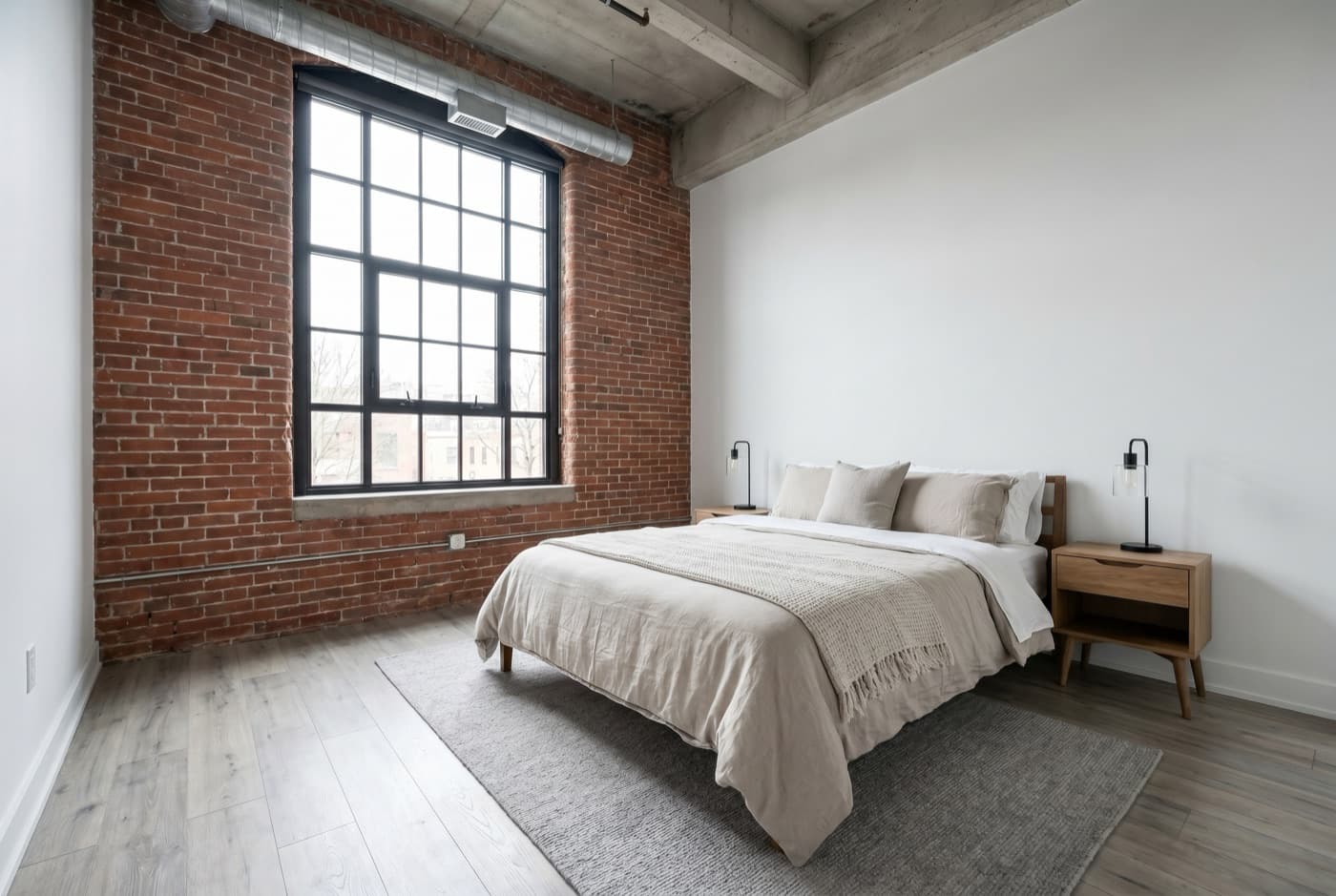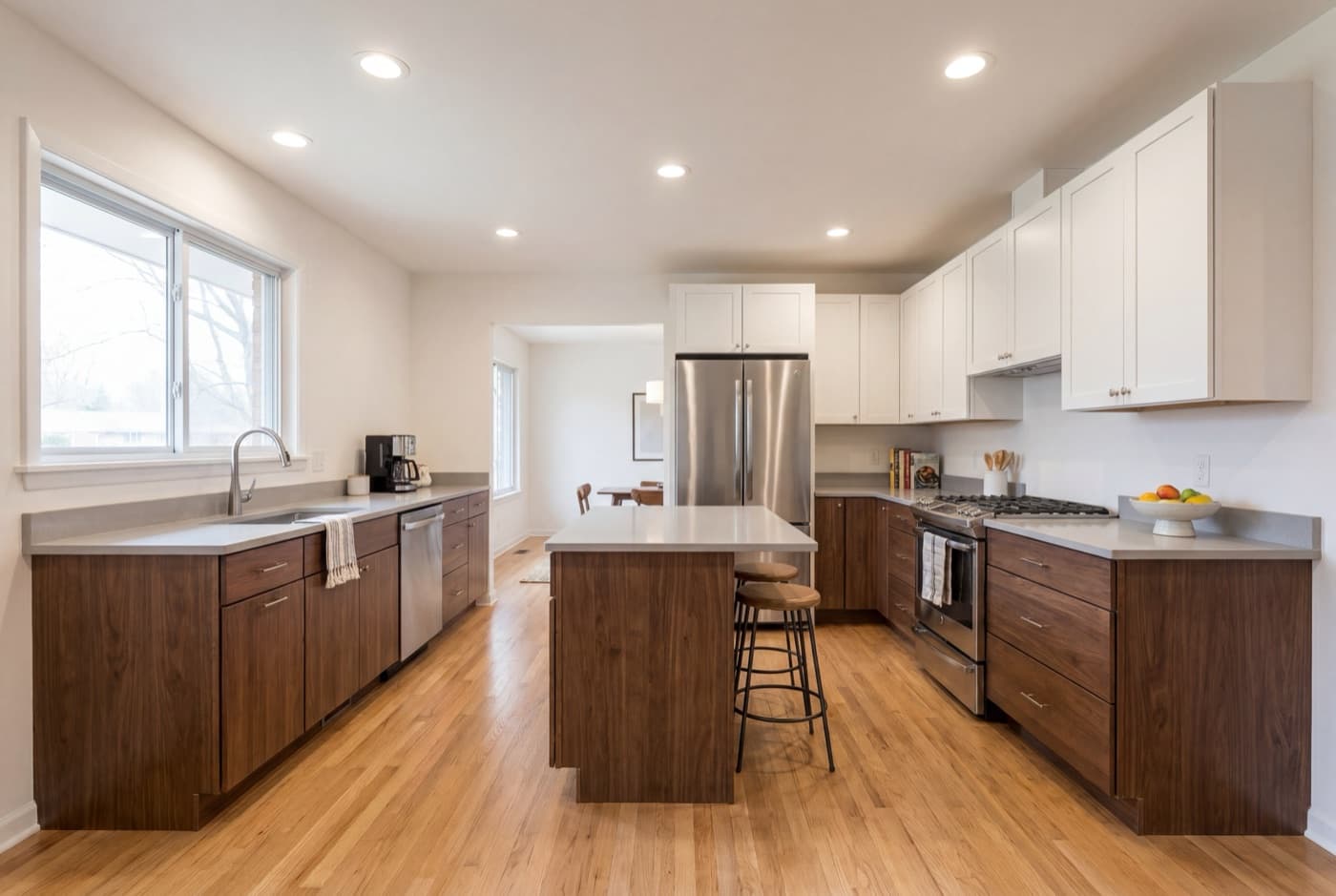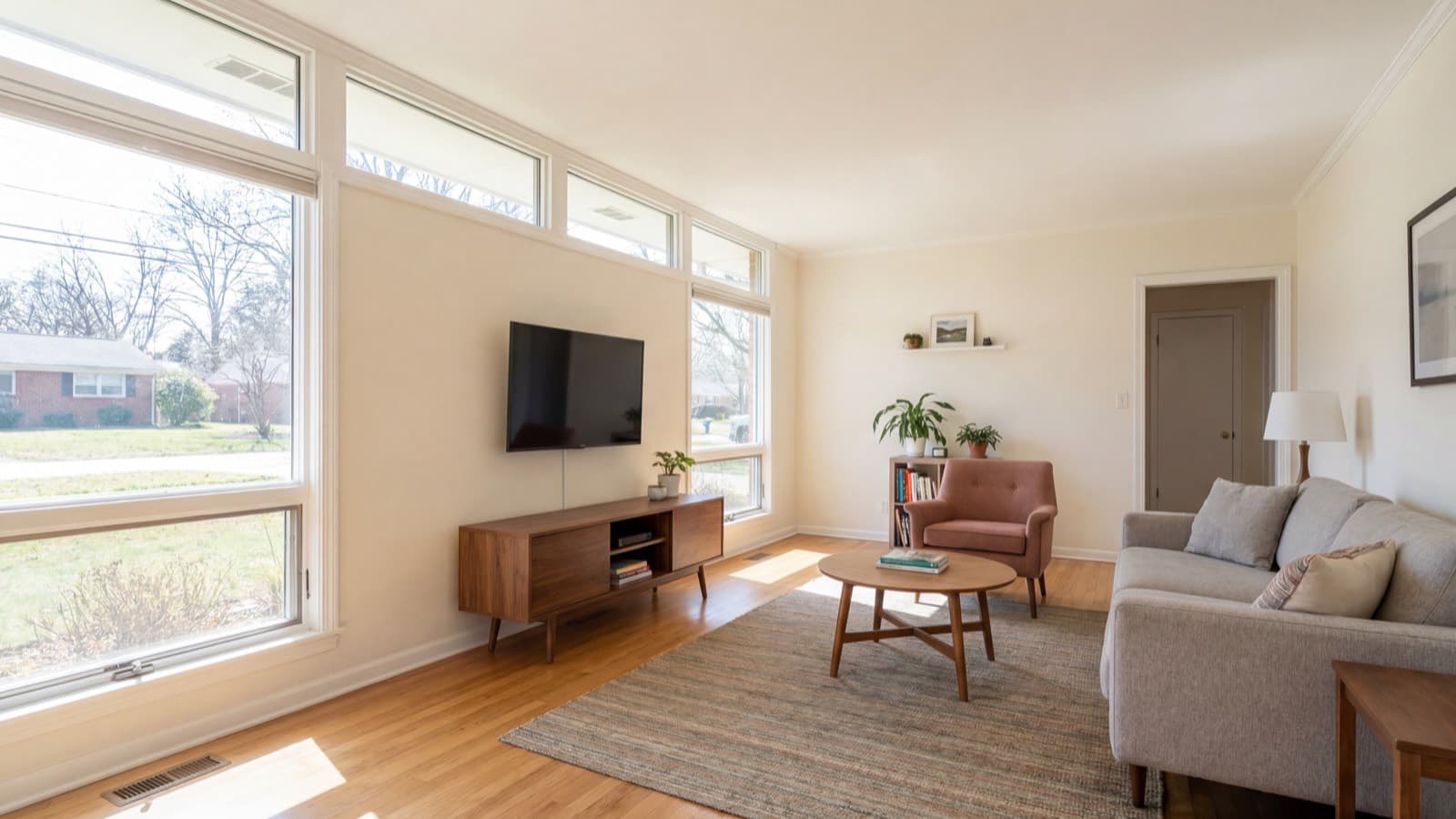
You made a great listing video. Now the MLS won’t take it — or worse, it took the branded version and your board sent a fine. This is the part of listing video nobody explains up front: most MLSs want one version, your own marketing wants a different one, and putting the wrong file in the wrong place has real consequences.
Here’s exactly what “branded” and “unbranded” mean, why the MLS insists on the unbranded cut, which version belongs on every channel you use, and how to produce both without editing your video twice.
Branded vs unbranded — the difference
The two versions contain the same footage of the same property. The only difference is whether your identity is baked into the video frame.
- Branded video:Shows your identifying information inside the video — your name, brokerage logo, phone number, a personal website URL, or a “Call me to book a showing” call-to-action. This is the version that markets you alongside the home.
- Unbranded video: The exact same walkthrough with all of that stripped out. No name, no logo, no phone number, no URL, no call-to-action. Just the property. This is the version most MLSs want.
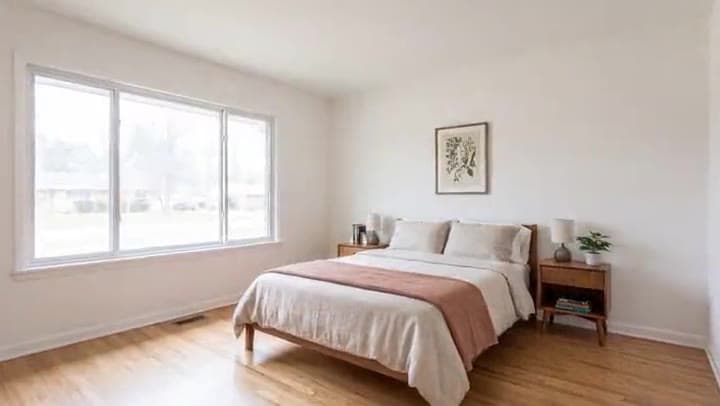
“Branding” specifically means the information shown in the frame or slate — not the third-party site that happens to host the video. A clean video hosted on your own domain is still an unbranded video, as long as nothing in the picture identifies you.
Why most MLSs require an unbranded version
The MLS is a cooperative. Thousands of agents pool their listings so everyone can sell everyone else’s inventory. That cooperation only works if the shared media stays neutral — no agent wants to display a competitor’s name and phone number while showing a buyer a home. So the rule is simple: anything that syndicates out of the MLS to the public has to be unbranded.
That syndication is the whole point. Your MLS listing feeds Zillow, Realtor.com, Redfin, Homes.com, and dozens of other portals automatically. The unbranded video rides along to all of them. A branded video, by contrast, is treated as restricted — it often has no dedicated public field, gets held back from client-facing emails and IDX feeds, and simply reaches fewer buyers.
A branded link in an unbranded field can get you fined
Many boards charge a fee when an agent drops a branded video into the field reserved for the unbranded copy — and the fee is passed straight to you. Rules and penalties vary by market, so confirm your local board’s policy before you submit.
Which version goes where
The single question that trips people up is: I have two files — where does each one go? Here is the map. The rule of thumb is that anything shared through the co-op is unbranded, and anything on your own channels is branded.
| Channel | Version to use | Why |
|---|---|---|
| MLS video / virtual tour field | Unbranded | Syndicates to the public; branded here risks a fine |
| Zillow, Realtor.com, Redfin, Homes.com | Unbranded (via MLS) | These portals pull the unbranded link from your MLS feed |
| Zillow direct / Showcase | Light brand only | Branding capped to ~15s and no persistent logos (see below) |
| YouTube (public channel) | Branded | Your channel, your SEO, your leads |
| Instagram Reels / TikTok | Branded (vertical) | Your audience — a call-to-action belongs here |
| Listing email / your website | Branded | Owned channels; brand freely |
Get clean MLS cuts — and add your details for branded copies
A paid render always includes clean unbranded cuts for the MLS. Add your name or phone (or a logo on Premium) and the same render also makes branded copies for your own channels. The free preview is a single watermarked 720p landscape video.
Try it free →How to add your video to the MLS
Most MLS boards don’t host video files directly — they take a link. The near-universal path looks like this:
- Upload the unbranded, landscape (16:9) cut to YouTube. Set the visibility to Unlisted, not Public — unlisted keeps it out of your channel and search while still giving you a shareable link.
- Copy the video URL.
- Paste it into your MLS listing’s “Virtual Tour” or “Video URL” field— specifically the unbranded field if your board separates branded and unbranded.
- Save and verify the link worksfrom a logged-out browser so you’re seeing what the public sees.
Some newer MLS systems now accept a direct file upload (usually MP4, H.264). If yours does, use it — but the unbranded rule still applies.
Zillow, Realtor.com & Redfin
Once the unbranded link is in your MLS feed, the major portals pick it up automatically — fix it once in the MLS and it appears everywhere. A few platform specifics as of 2026:
- Zillow:Native video upload returned for standard listings in late 2025, and Showcase listings support a video up to 120 seconds. Either way, branding is limited to roughly 15 seconds at the start or end, with no persistent logos or watermarks (an occasional spoken mention of your name is generally fine). Most agents still let Zillow read the unbranded video straight from their MLS feed. Check Zillow’s current video guidelines before uploading — the rules have moved more than once.
- Realtor.com:Accepts a video tour link or a direct file upload (commonly capped around 500 MB). Landscape 16:9, unbranded for the public listing.
- Redfin & Homes.com:No separate upload — they display whatever unbranded video your MLS syndicates, typically within a day.
How to find your board’s rules
Rules do vary by market — but you don’t have to guess, and you shouldn’t rely on what worked for an agent in another state. Here’s how to pin down your own board’s policy in a couple of minutes:
- Open your MLS’s Rules & Regulations (sometimes titled “Media,” “Photo & Video,” or “Virtual Tour Standards”) — usually linked inside the member portal or from the help on your listing input form.
- Search that documentfor “unbranded,” “branding,” “virtual tour,” or “video.” The media policy is almost always under one of those words.
- Google “[your MLS name] unbranded video policy.” Many boards publish a public help article that spells it out plainly.
- Read your own input form.If you see separate “Branded Tour” and “Unbranded Tour” URL fields, that’s your board telling you exactly which link goes where — the branded one in the branded field, the clean one in the unbranded field.
- Still unsure? Ask. A two-minute email to your broker or the MLS help desk beats a fine or a rejected listing.
While you’re there, confirm three specifics: whether the unbranded field allows background music or narration, whether there’s a time limit on any branding, and whether the board accepts a direct file upload or only a hosted link.
What counts as branding (and the traps that get videos rejected)
If you’re making the unbranded cut yourself, these are the elements that have to come out of the frame:
- Your name or the team/brokerage name
- Brokerage or personal logos and watermarks
- Phone numbers, email addresses, or personal website URLs
- Calls-to-action (“Call to schedule,” “DM me,” “Visit my site”)
- Agent headshots or “presented by” intro/outro slates
Beyond branding, a few boards go further and restrict what else can appear in a syndicated video — some limit background music, on-screen narration, or end-card CTAs. When in doubt, keep the unbranded cut minimal: property footage, address and specs, nothing else.
One more compliance line worth respecting:Fair Housing. If your video includes narration or text describing the home, keep it factual — describe the property, not the people who might live there. Avoid subjective neighborhood claims like “family-friendly,” “safe area,” or “perfect for young professionals.” Stick to verifiable features and you stay on the right side of the rules on every platform at once.
Make both versions from one upload
The traditional way to get an unbranded cut is to open your editor, duplicate the project, delete every logo and lower-third and end-card by hand, and re-export. That’s a second render for every single listing — and an easy place to miss a watermark and trip a fine.
The faster path is to generate both at once. With ListingVideo, you upload your listing photos a single time and get clean unbranded versions in all three formats. Add your name or phone and the same paid render also creates matching branded versions, with your details on a closing card (and your logo too, on Premium). No second edit, nothing to strip out, nothing to forget. Drop the unbranded landscape link into your MLS, and use any branded cuts on your own channels.
One upload on a paid plan always renders three clean video files — landscape, vertical, and square. When you add agent or brand details, it also creates a branded copy of each, for up to six video files— plus a cover image and a captions pack for social, all from the same set of photos.
If you’re still deciding how to produce the video itself, our guide to making a listing video compares the DIY, videographer, and AI routes. Working straight from the listing photos you already have? Our walkthrough on turning real estate photos into a video keeps the whole thing MLS-safe. To put the finished video to work across every channel, the video marketing playbook covers distribution and cadence.
Frequently asked questions
Usually not. Many MLSs reserve the video or virtual tour field for the unbranded version — the same walkthrough with your name, logo, phone number, URL, and any call-to-action removed. A branded link in an unbranded field can trigger a board fine, and branded media is held back from public portals and client emails anyway.
Anything in the frame that identifies you: your name, brokerage or personal logo, watermark, phone number, email, website URL, an agent headshot, or a “presented by / call to book” call-to-action. Branding refers to what’s shown inside the video — not the website that hosts it. A clean video on your own domain is still unbranded.
As of 2026, yes — native upload returned for standard listings in late 2025, and Showcase listings support a video up to 120 seconds. But branding is limited to about 15 seconds at the start or end with no persistent logos or watermarks. Most agents simply let Zillow read the unbranded video from their MLS feed. Check Zillow’s current guidelines, since the rules have changed more than once.
In most markets, yes — an unbranded copy for the MLS (and the portals it feeds) and a branded copy for your own channels like YouTube, Reels, email, and your website. Your local MLS defines what its unbranded field accepts, so confirm before you submit. Tools that export both versions from a single upload save you from re-editing the video twice.
Some boards charge a fee when a branded video link is placed in the field reserved for the unbranded copy, and that fee is passed to you. Penalties and rules vary by market, so confirm your local MLS policy before submitting.
Often yes, but not always — some boards restrict background music, on-screen narration, or end-card calls-to-action in syndicated video. Keep the unbranded cut minimal, and if you include narration, keep it factual and Fair Housing–safe: describe the property, not the people who might live there.
Two options. Either re-edit the video to remove every logo, lower-third, and end-card and re-export it, or use a tool that outputs the branded and unbranded versions automatically from one upload — which avoids a second render and the risk of missing a watermark.
No. Your branded version still goes on YouTube, Instagram Reels, TikTok, listing emails, and your website — all the places where a call-to-action belongs. The unbranded copy only satisfies the MLS cooperative rules so your video syndicates to Zillow, Realtor.com, Redfin, and the rest.